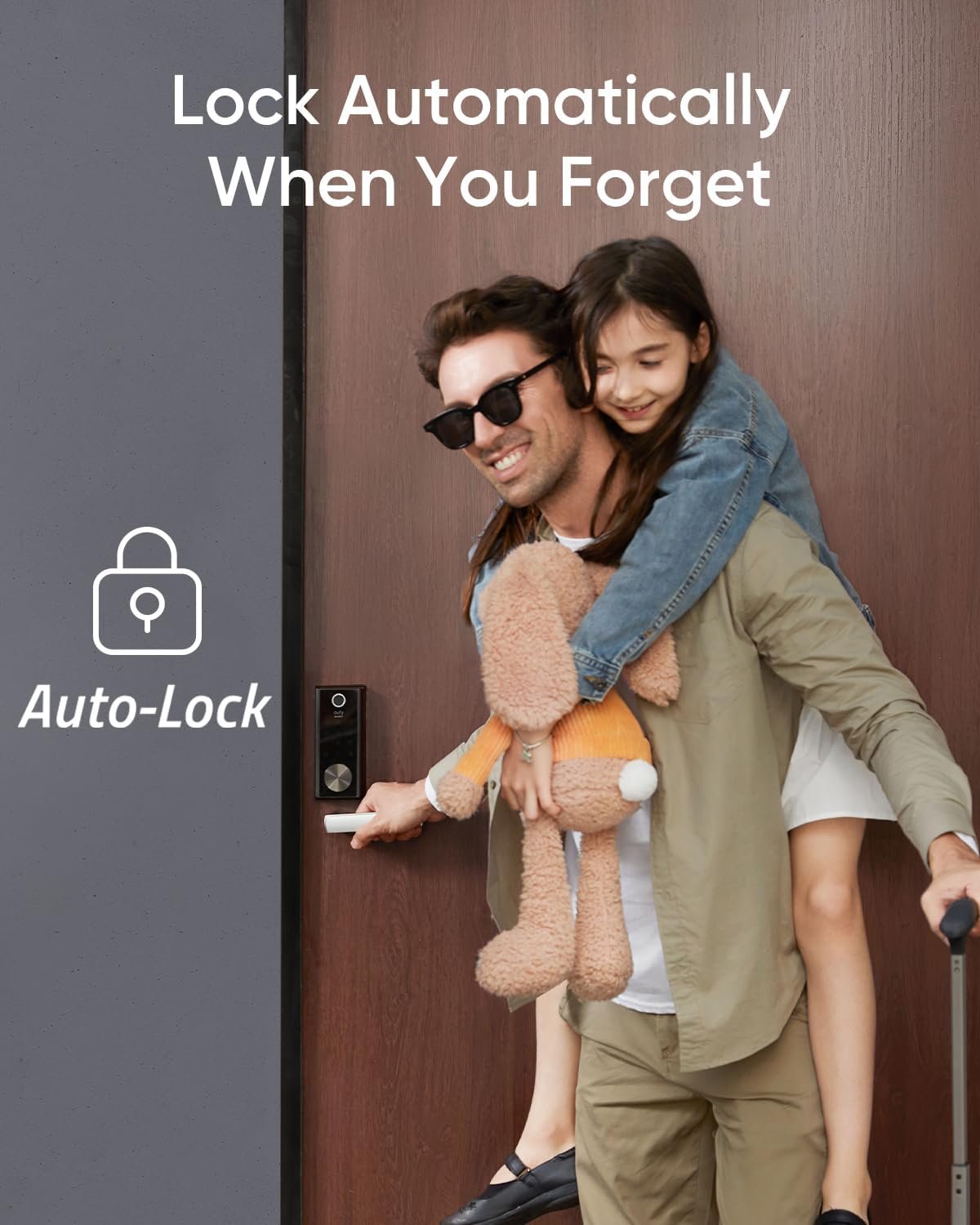
Have you ever thought about how much easier life could be if you could skip the hassle of searching for keys every time you get home? Enter the TP-Link Tapo Smart Door Lock, Deadbolt. This isn’t just any regular lock; it’s a product that promises to make your life significantly more convenient with keyless entry and a host of other modern features. Let’s chat about how this smart lock could change your entryway experience.
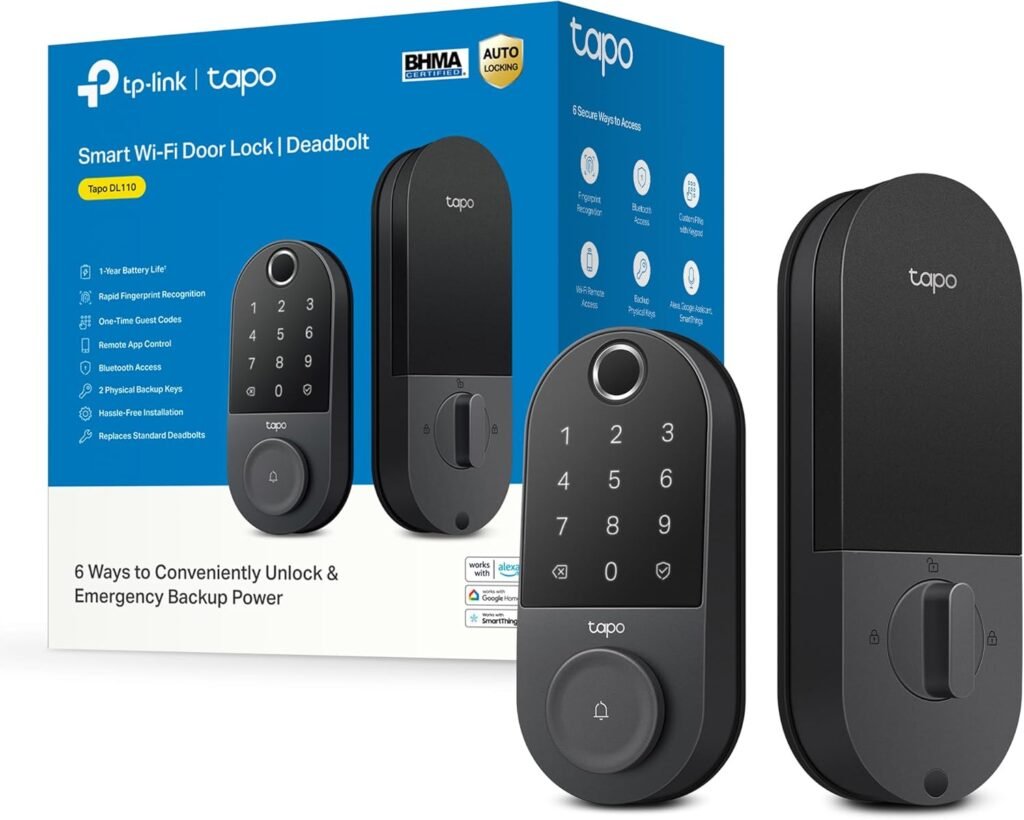

Key Features of TP-Link Tapo Smart Door Lock
Before you rush out to buy this, let’s break down what makes this smart door lock a standout choice.
1. Multiple Access Methods
You’re not limited to just one way of unlocking your door. With six different ways to access, you’ve got flexibility right at your fingertips:
- Fingerprint Recognition: This feature allows you to unlock the door in a mere 0.42 seconds. It can store up to 100 different fingerprints, which is pretty generous if you’ve got a big family or like having frequent visitors.
- Custom Passcodes on Keypad: Set unique passcodes for each member of the household or temporary ones for guests.
- Wi-Fi and Bluetooth Access: Whether you’re nearby or far away, you can unlock your door using Wi-Fi or Bluetooth.
- Smart Home Assistant: Imagine just asking your smart home system to unlock the door. Although this sounds futuristic, it’s completely feasible with this lock.
- Backup Keys: If all else fails, you still have traditional keys as a backup.
2. Long Battery Life
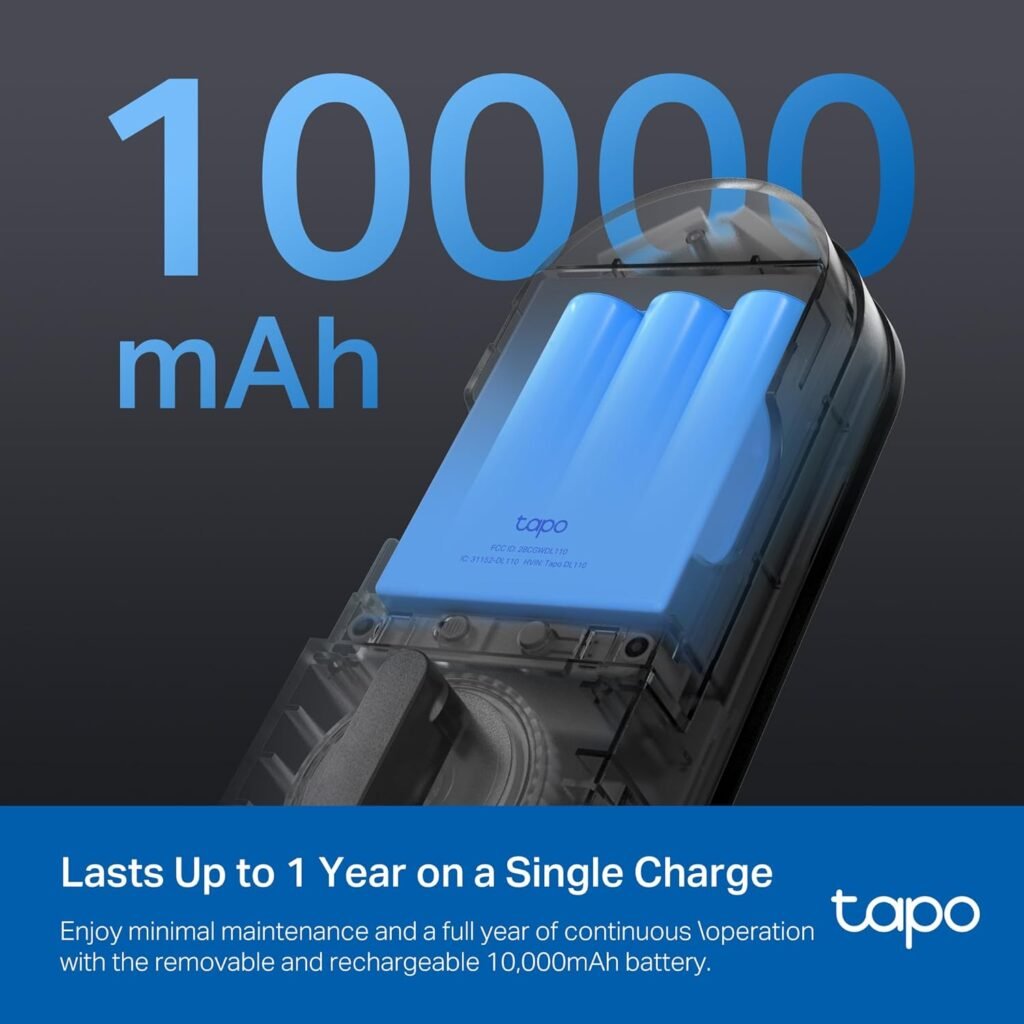
Imagine not having to recharge the lock every few months. The 10,000mAh removable and rechargeable battery promises a full year of continuous operation. That means fewer interruptions and more peace of mind.
3. Advanced Security
Your security is a priority, and this lock stands up to the challenge with BHMA Grade 2 certification. It’s designed to be sturdy and reliable, offering peace of mind whether you’re home or away.
4. USB-C Charging Port
In the event that you need to recharge, there’s a USB-C charging port. It’s as easy as charging your smartphone, ensuring your lock stays powered without fuss.
5. Managing Access
You can create resident profiles with permanent codes or set up one-time or scheduled codes for guest access. Perfect for Airbnb hosts or if you frequently have friends or family visiting.
6. In-App Monitoring
Keep track of who accesses your home and when with the in-app monitoring feature. It really makes at-home security feel more interactive and modern.
Understanding the Specs
A table could help illustrate the various features and specs for easy understanding:
| Feature | Description |
|---|---|
| Fingerprint Sensor | Unlocks in 0.42 seconds and can store up to 100 fingerprints. |
| Battery Life | 1-year with a 10,000mAh rechargeable battery, ensuring prolonged maintenance-free use. |
| Access Methods | Fingerprint, keypad code, Wi-Fi, Bluetooth, smart home assistant, backup keys. |
| Smart Technology | In-app monitoring for detailed access records and management of guest access codes. |
| Security Grade | BHMA Grade 2 certification, ensuring high standards in security. |
| Charging | Equipped with a USB-C port for easy and familiar recharging of the battery. |
| Guest Access | Custom permanent resident profiles or one-time/scheduled codes for guests, ideal for hosts of Airbnb or frequent visitors. |

The Setup Process
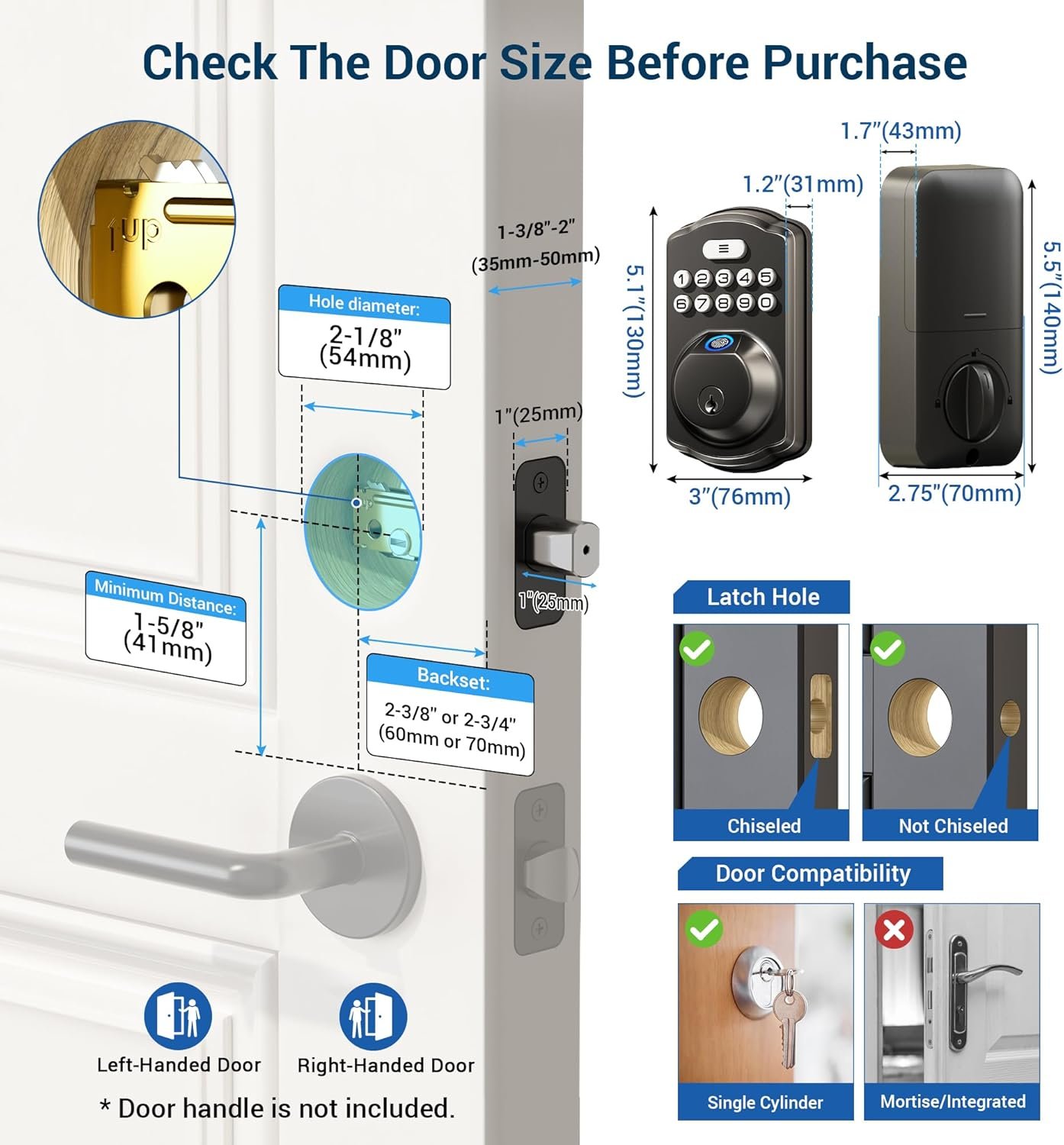
Setting up the TP-Link Tapo Smart Door Lock is straightforward. You’ll receive a comprehensive manual with step-by-step instructions. From properly aligning the deadbolt to programming the lock via the app, you’d be pleasantly surprised at how user-friendly the process is. Even for someone not too tech-savvy, getting everything up and running should be a breeze.
Everyday Use and Convenience
Living with the TP-Link Tapo Smart Door Lock truly defines convenience. Imagine coming home with hands full of groceries, and all you have to do is swipe your finger or mention a passphrase to your smart assistant. The lock adds so much ease to daily living, making those small everyday struggles with keys seem almost archaic.
Real-Life Scenarios
- Family Use: Each family member could have their fingerprint saved or their own unique code, eliminating the need for spare keys.
- Guest Access: Friends visiting while you’re not home? Just send them a temporary code while you finish up at work.
- Rental Properties: Perfect for those managing rental properties, allowing easy management of guest stays without needing key exchanges.
Integrating with Your Smart Home
If you’re running a smart home setup, integrating this smart lock will be seamless. Speaking commands to your smart assistant to unlock or lock your doors really makes for an immersive and convenient home experience. Plus, it can be tied in with other smart devices for a comprehensive security and home management system.
Maintenance and Support
Since the lock features a rechargeable battery with an expected life of one year, it requires minimal maintenance. When it does need a recharge, the USB-C feature makes this simple. Also, in terms of support, TP-Link is known for customer-friendly service should you have any hiccups.
Troubleshooting Tips
In case you run into any trouble:
- Lock Not Responding: Check Wi-Fi connectivity and ensure the battery is charged.
- Fingerprint Not Recognized: Re-register your fingerprint to ensure accurate recognition.
- Code Not Working: Confirm the code is entered correctly or hasn’t expired if it’s a temporary access code.
Final Thoughts
The TP-Link Tapo Smart Door Lock offers a unique blend of functionality, security, and modern simplicity. It’s like stepping into 21st-century living, with the reassurance that your home is safe and secure. If you’re considering making your entryway smarter and more efficient, this smart door lock ticks all the boxes.
From the reliable fastening it provides to the array of access options and sleek design, it’s a product that stands out for all the right reasons. Whether you’re keen on added convenience or beefing up security, the TP-Link Tapo Smart Door Lock should be on your radar.

Disclosure: As an Amazon Associate, I earn from qualifying purchases.