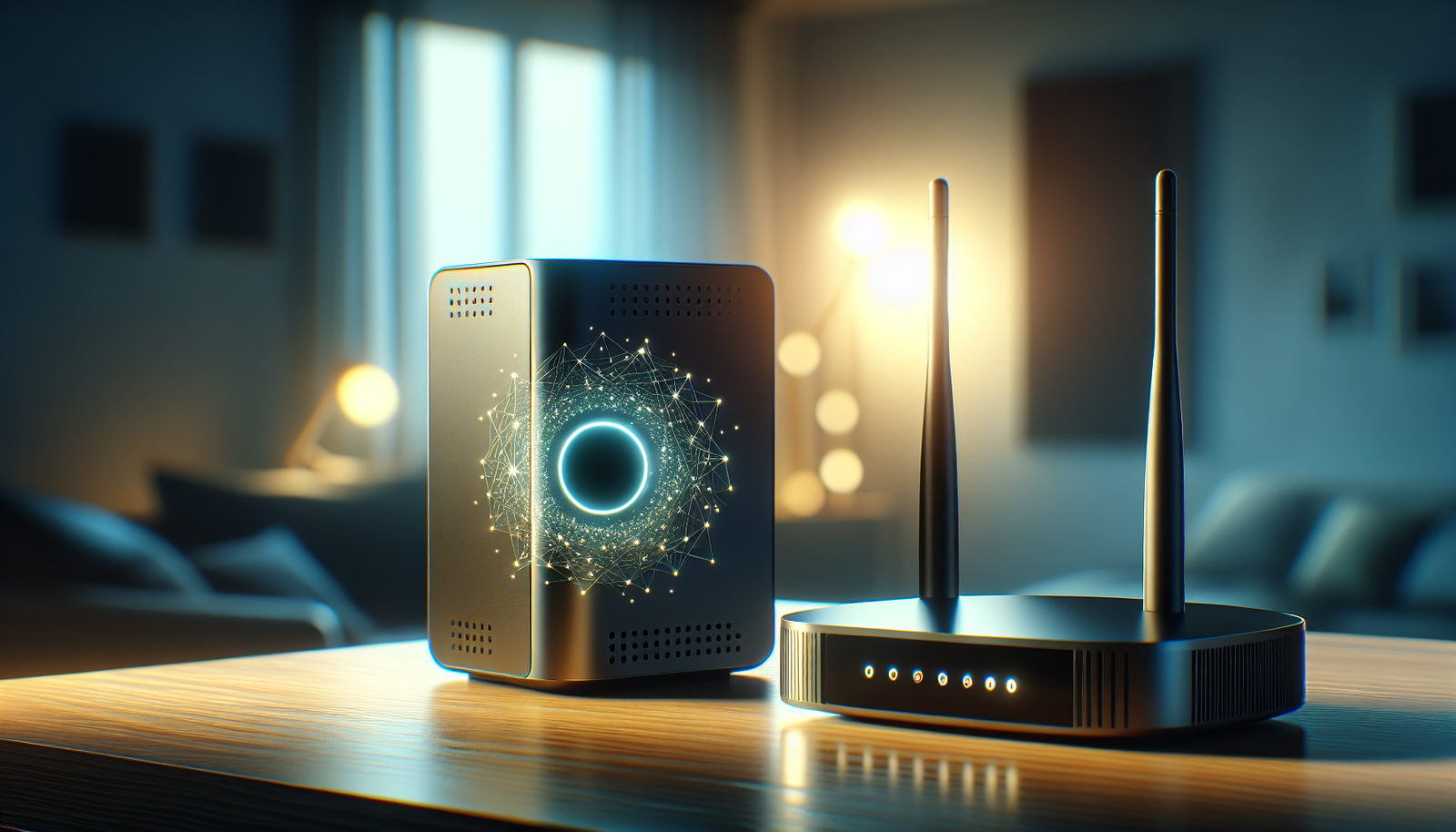
Have you ever wondered what role a smart hub plays in your home tech ecosystem? Understanding the difference between a smart hub and a router is essential whether you’re a budding tech enthusiast, a seasoned smart home owner, a privacy-conscious user, or even a music lover keen on leveraging the latest in audio technology. These two devices have distinct roles, and comprehending them can help you optimize your home network and smart device setup.
What is a Smart Hub?
A smart hub acts as the control center for your smart home, connecting and managing various smart devices such as lights, locks, thermostats, and more. The primary function of a smart hub is to ensure seamless communication between all connected devices, often allowing you to control them through a centralized app or even voice commands. When you think about a smart hub, envision a conductor orchestrating a symphony, synchronizing different instruments to create harmonious music.
How does a Smart Hub work?
A smart hub works by acting as an intermediary between your smart devices and your internet connection. It translates the communication protocols that various manufacturers use into a singular language that your devices and the internet can understand. Many smart hubs support multiple communication protocols like Zigbee, Z-Wave, and Bluetooth, enabling them to connect devices from different manufacturers. This centralization allows for greater control and automation capabilities, making it easier for you to manage your smart home.
Moreover, some smart hubs are integrated with smart speakers, offering voice control features through virtual assistants like Amazon Alexa or Google Assistant. This integration makes it even simpler for you to control your smart home with just your voice.
What is a Router?
A router, on the other hand, is a device that connects multiple networks or systems and routes data between them. The primary function of a router is to facilitate internet access by connecting your home network to your Internet Service Provider (ISP). For instance, it takes data from the internet and sends it to your computer, and vice versa.
How does a Router work?
Routers operate by directing data packets between devices and networks. They use IP (Internet Protocol) addresses to determine the best path for data to travel, ensuring efficient and accurate delivery. A typical home router allows you to connect your devices wirelessly through Wi-Fi, while some may also offer wired connections through Ethernet ports.
It’s important to note that routers focus primarily on providing internet connectivity and managing data traffic within your home network. While some advanced routers come with features for smart home management, they do not inherently possess the broader device control or automation capabilities of a dedicated smart hub.
The Key Differences Between Smart Hubs and Routers
Understanding the fundamental differences between smart hubs and routers can help you make informed decisions when setting up or upgrading your home network. Let’s break down the key distinctions:
| Feature | Smart Hub | Router |
|---|---|---|
| Primary Function | Manages and automates smart devices | Provides internet connectivity |
| Communication Protocols | Zigbee, Z-Wave, Bluetooth | IP addresses, Wi-Fi, Ethernet |
| Device Control | Centralized control of multiple smart devices | Focused on data routing and network management |
| Voice Control | Often includes integration with virtual assistants | Typically does not include this feature |
| Setup Complexity | May require additional configuration for devices | Usually plug-and-play |
Which One Do You Need?
Deciding between a smart hub and a router largely depends on your specific needs and current home setup. If your primary goal is to control and automate your smart home devices, a smart hub is essential. However, if you need reliable internet connectivity and robust network management, you’ll definitely need a router. Many households benefit from using both devices to achieve a fully connected and smart-enabled home.
Benefits of Using a Smart Hub
Integrating a smart hub into your home can elevate your smart home experience. Here are some benefits to consider:
Centralized Control
One of the most significant advantages of using a smart hub is centralized control. Instead of juggling between multiple apps for different devices, a smart hub allows you to control everything from a single interface. This consolidation makes managing your smart home simpler and more intuitive.
Enhanced Automation
A smart hub enables you to create and manage sophisticated automation routines easily. For example, you can set your lights to turn off automatically when you leave home or have your thermostat adjust the temperature based on the time of day. This level of automation not only offers convenience but can also lead to energy savings.
Compatibility and Interoperability
Smart hubs often support a wide range of communication protocols, ensuring that devices from various manufacturers can work together seamlessly. This compatibility widens your selection of devices and prevents you from being locked into a single brand ecosystem.
Voice Control Integration
With voice-controlled smart hubs, you can operate your devices hands-free. Imagine walking into a room and instructing your smart hub to adjust the lighting or play your favorite song. This integration enhances convenience, particularly in situations where manually interacting with your devices may not be practical.
Concerns About Smart Hubs
Despite their benefits, there are a few concerns you might want to consider before integrating a smart hub into your home:
Privacy and Security
Given that smart hubs often connect to the internet and manage numerous devices, privacy and security concerns are prevalent. Ensuring your smart hub is secure involves regular software updates, using strong passwords, and understanding its privacy policies, especially around voice recording and data usage.
Energy Consumption
Though individual smart devices typically consume minimal power, having multiple devices connected via a smart hub can increase energy consumption. To mitigate this, consider smart hubs and devices with energy-saving features and routines.
Initial Setup Complexity
Setting up a smart hub can initially be complex, especially for beginners. You’ll need to add and configure each device, which can be time-consuming. However, investing the time upfront can lead to a smoother and more efficient home network in the long run.
Smart Hub Buying Guide
If you decide that a smart hub is a worthwhile addition to your home, here are some factors to consider when choosing the right one:
Compatibility with Your Devices
Ensure the smart hub you choose supports the communication protocols required by your existing or intended smart devices. Verify its compatibility with your favorite brands and products to avoid future connectivity issues.
Supported Features
Evaluate what features each smart hub offers and how they align with your needs. Consider voice control options, automation capabilities, and any additional smart device management tools that the hub may provide.
Ease of Use
Look for a smart hub with a user-friendly interface and straightforward setup process. Consider leveraging online tutorials and forums during your initial setup to ensure smooth integration with your existing smart home ecosystem.
Price and Value
Pricing for smart hubs can vary significantly. While more expensive models often offer additional features, make sure you select a product that offers the best combination of features, compatibility, and ease of use for your budget.
Setting Up a Smart Hub
Once you have chosen a smart hub, setting it up and getting started are crucial steps to fully leverage its capabilities.
Initial Setup Steps
- Connect your smart hub to a power source: Ensure it’s located within range of your Wi-Fi network to avoid connectivity issues.
- Download the accompanying app: Most smart hubs come with a companion app for your smartphone or tablet.
- Create an account and log in: Follow the in-app instructions to create an account and link your smart hub.
- Add your smart devices: Using the app, add your smart devices to the hub’s network, following any specific pairing instructions.
Troubleshooting Tips
- Verify Internet Connection: If you experience connectivity issues, ensure that both the smart hub and your devices are connected to the internet.
- Reboot Devices: Sometimes, rebooting your smart hub or connected devices can resolve persistent issues.
- Consult the Manufacturer’s Help Resources: Most companies offer extensive support materials online or even customer service to assist with any problems.
Conclusion
Understanding the roles that a smart hub and a router play in your connected home is vital for anyone looking to optimize their technology setup. While each device performs distinct tasks, together, they can provide a seamless, integrated, and efficient smart home experience. Whether you prioritize smart device automation or robust internet connectivity, making informed decisions about these technologies ensures that your home network serves your specific needs effectively.
By addressing common concerns, comparing products, and providing actionable guides throughout the journey, you can confidently navigate the world of smart hubs and routers, creating a home environment that is both technologically advanced and user-friendly. Whether you’re just getting started or are a seasoned smart home aficionado, there’s always potential to enhance your setup and maximize the benefits of modern smart home technology.

Disclosure: As an Amazon Associate, I earn from qualifying purchases.