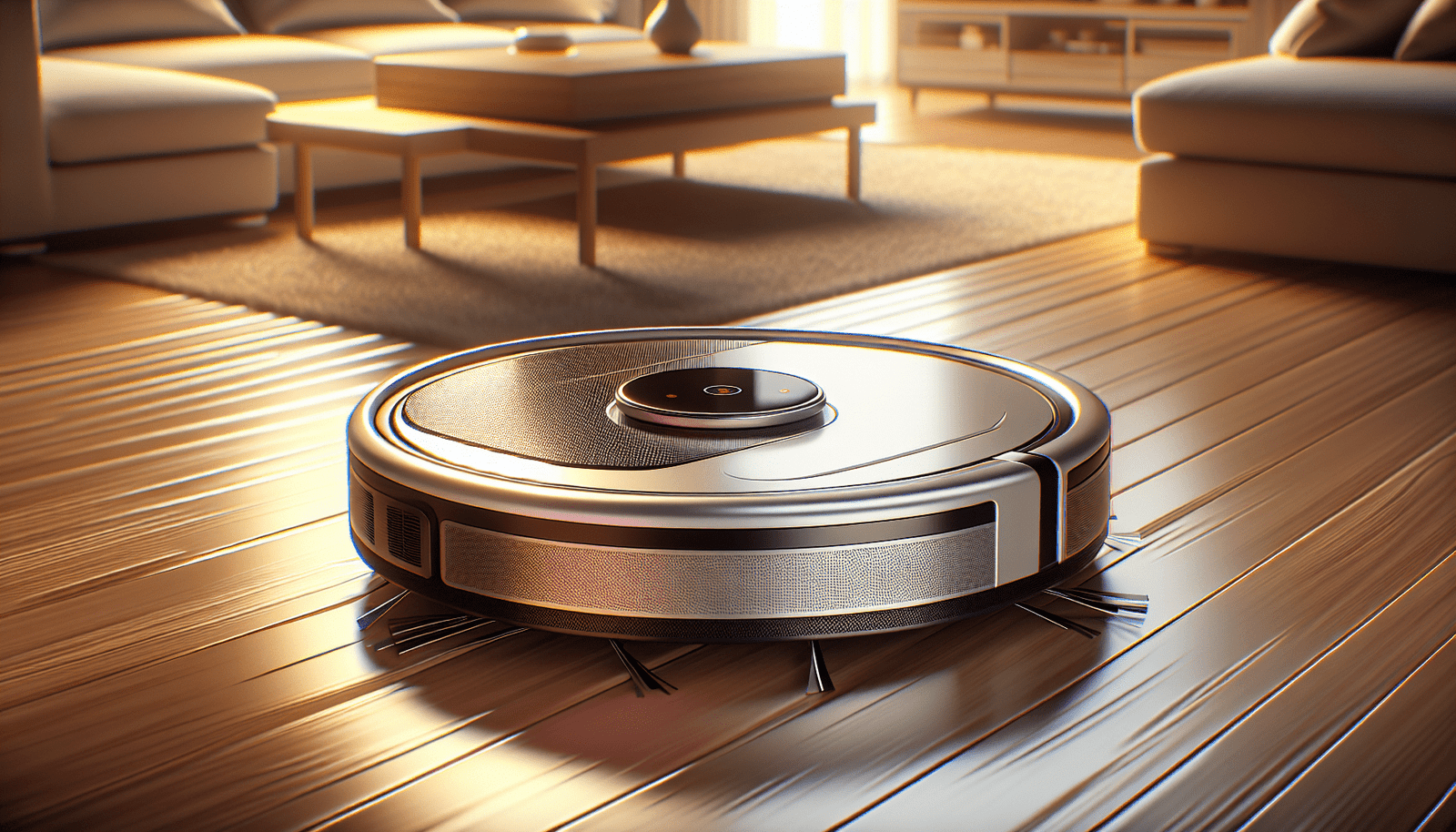
Have you ever wondered how many years a robot vacuum can truly last before it’s time to consider a replacement? robot vacuums, the little automated helpers, are becoming increasingly popular in households worldwide. Their convenience, coupled with smart technology, makes them a preferred choice for many. But, like any appliance, you might find yourself pondering how durable and long-lasting these nifty devices are.
Understanding Robot Vacuum Lifespan
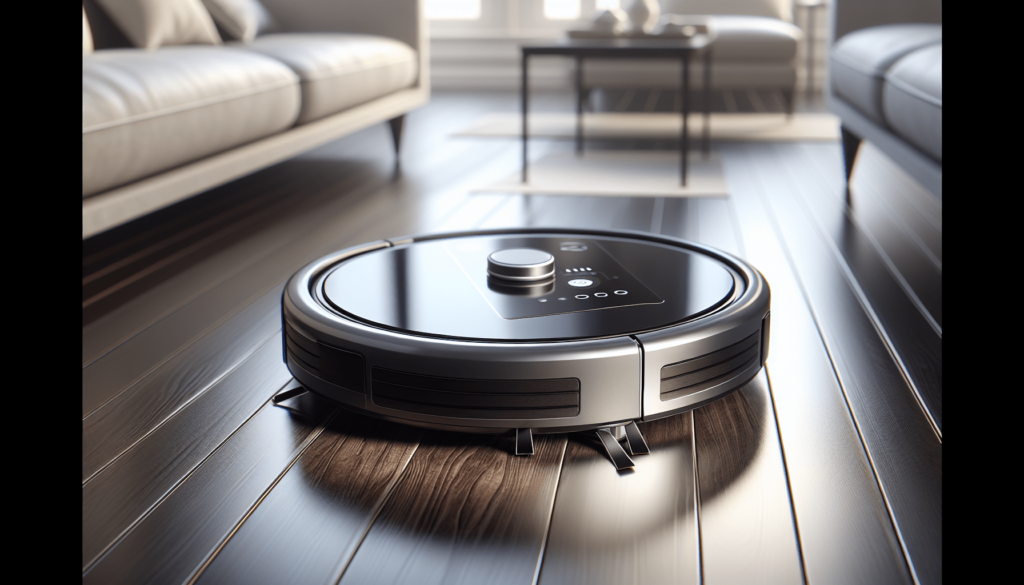
Robot vacuums are designed to offer a blend of convenience and efficiency, essentially becoming a staple in the smart home ecosystem. But how long do they really last? On average, a quality robot vacuum can last anywhere from three to five years. This depends on various factors, including the brand, usage frequency, and how well you maintain it. A high-end model could potentially serve you longer, especially with proper care and regular maintenance.
Factors Affecting Longevity
The lifespan of your robot vacuum is influenced by multiple elements. Understanding these can help you get the most out of your investment.
- Build Quality and Brand Reputation: Premium brands typically have better build quality, which directly impacts durability. Investing in a reputable brand can ensure higher reliability and longer life.
- Usage Frequency: If you use your robot vacuum daily, expect wear and tear to occur faster compared to occasional use.
- Maintenance Habits: Regular maintenance, like cleaning brushes and emptying dust containers, plays a significant role in extending the life of your device.
- Environment: A home with pets or high foot traffic can contribute to more frequent and intensive cleaning sessions, potentially impacting the lifespan.
Importance of Maintenance
Proper maintenance is key to extending the life of your robot vacuum. Here’s how you can take care of it:
Routine Cleaning and Maintenance
Regular cleaning will not only improve performance but also extend lifespan.
- Clean Brushes and Rollers: Detangle hair and debris from brushes regularly. This reduces strain on the motor, preventing premature wear.
- Empty Dustbin Frequently: A full dustbin can inhibit performance and cause the vacuum to operate inefficiently.
- Check and Replace Filters: Filters should be checked every month and replaced as needed to ensure optimal performance.
- Battery Care: Allow your vacuum’s battery to discharge fully and recharge once a month to maintain its health.
Software Updates
Robot vacuums often come with software that may require updates. Keeping the software up to date ensures the device runs efficiently and any bugs are fixed promptly, which can indirectly affect its lifespan.
Selecting the Right Model
Choosing the right model tailored to your specific needs can also influence longevity. When deciding on a purchase:
Consider Your Space
Evaluate your living environment. If you have a larger space, selecting a vacuum with robust battery life would be ideal. For homes with multiple surfaces, a model that transitions seamlessly between floor types is beneficial.
Pet Owners’ Considerations
If you have pets, consider a model that excels in picking up pet hair and has a high-efficiency filter to capture allergens. Some models are specifically designed with pet owners in mind, which might enhance their longevity when dealing with pet-related debris.
Budget vs. Durability
While sticking to a budget is crucial, it’s equally important to consider durability. Often, opting for a slightly pricier model can result in longer lifespan and fewer replacements, saving money in the long run.
Troubleshooting and Common Concerns
Understanding potential issues can help in troubleshooting and prolonging the lifespan of your robot vacuum.
Common Problems
- Reduced Suction Power: Often caused by dirty filters or a full dustbin. Regular cleaning can resolve this issue.
- Poor Navigation: Usually rectified by cleaning sensors and ensuring the software is updated.
- Battery Issues: If the vacuum doesn’t hold a charge, checking connections and the charging dock is essential.
DIY Troubleshooting Tips
Sometimes, all it takes is a little troubleshooting to keep your vacuum in prime condition. Here’s what you can do:
- For reduced suction, ensure that brushes and filters are clean. If the issue persists, consider replacing worn-out parts.
- If navigation seems off, make sure the sensors are clean and unobstructed.
- For charging issues, examine the docking station placement and ensure connectors are free from debris.
Comparing Models
With numerous models available, knowing how to compare them effectively is pivotal for making an informed decision.
Features Considerations
Different models come with a variety of features. Here are some that can influence the longevity and effectiveness of a robot vacuum:
- Smart Home Integration: Models that integrate with smart home systems can offer enhanced features, such as remote control via an app, which is convenient for on-the-go adjustments.
- Mapping Technology: Advanced models with mapping capabilities often clean more efficiently and quickly, reducing wear over time.
- Multi-Surface Cleaning: If your home has different floor types, a vacuum that transitions between surfaces seamlessly is a must-have.
Brand Comparisons
Table: Popular Brands and Their Longevity
| Brand | Estimated Lifespan | Notable Features |
|---|---|---|
| Roomba | 5-6 years | Strong suction, mapping, app control |
| Neato | 4-5 years | Laser navigation, large dustbin |
| Samsung | 4-5 years | High suction power, sleek design |
| Dyson | 5-6 years | Powerful suction, easy maintenance |
| Ecovacs | 3-4 years | Good budget option, app functions |
Each brand varies in terms of features and longevity. It might be valuable to weigh the initial investment against the potential service life to determine what best suits your needs.
Budgeting for a Replacement
Planning for the future is always wise, especially with appliances.
Cost-Effectiveness
Consider a cost-benefit analysis when planning for a replacement. Investing in a slightly more expensive model may lead to savings due to its increased lifespan and reduced maintenance costs.
Signs It’s Time for a Replacement
Knowing when to say goodbye to your trusty robot vacuum can save you frustration:
- Repair Costs Exceed Replacement Costs: If repairs become frequent and costly, it might be more practical to invest in a new model.
- Dramatic Performance Decline: When performance drops significantly, even after maintenance and troubleshooting, the device might be nearing the end of its life.
- Technology Lags: An outdated model may not keep up with newer technology, and a replacement could offer more convenience and better features.
Conclusion
Robot vacuums are superb additions to modern homes, providing automated cleaning solutions and integrating with smart home setups. With average lifespans ranging from three to five years, understanding how to maintain and choose the right vacuum for your needs can greatly influence this. By paying attention to maintenance, selecting suitable features, and knowing when to replace your device, you can ensure you always get the best from your robotic helper. Whether you are a tech-savvy individual managing smart home devices or someone seeking an efficient cleaning solution without manual effort, you can now make an informed decision about how and when to invest in a robot vacuum.