Have you ever wondered how to set up your smart hub and maximize its potential? Whether you’re a seasoned tech enthusiast looking to optimize your smart home setup, a newcomer eager to explore the world of smart speakers and hubs, or someone with concerns about privacy and security, there’s a lot to learn and discover. Let’s guide you through setting up your smart hub, comparing products, and addressing common concerns in a friendly and comprehensive way.
Understanding Smart Hubs and Smart Speakers
What is a Smart Hub?
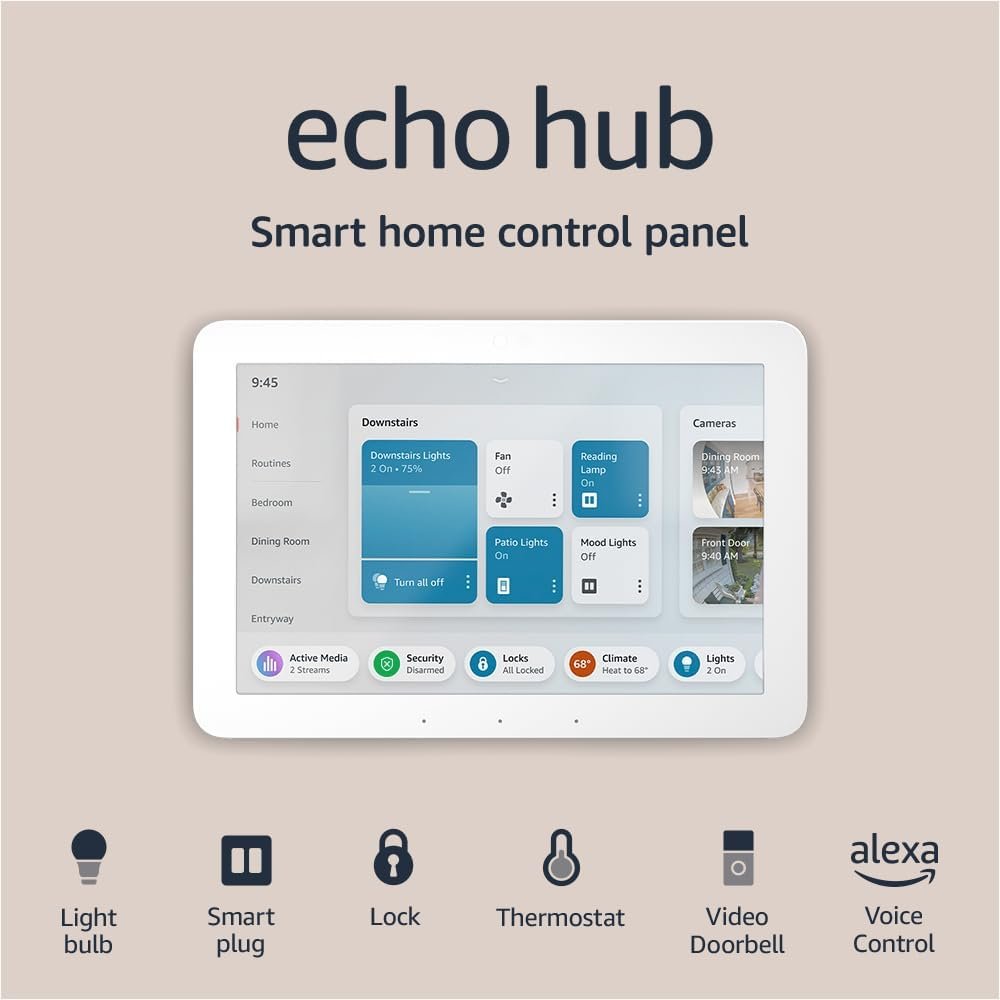
A smart hub acts as the central command unit in your smart home. It connects various smart devices, allowing them to communicate with each other. Imagine it as the brain of your smart ecosystem, managing the influx and coordination of information between devices. From turning on the lights to adjusting your thermostat, the smart hub orchestrates it all.
How Do Smart Speakers Differ?
Smart speakers, while similar in some ways to smart hubs, primarily serve as voice-activated assistants. They can play music, share the weather forecast, and answer questions, among other tasks. Though they can interact with smart home devices, their primary function is media and voice interaction. They often have smart hub functionalities integrated, depending on the brand and model.
Benefits of Smart Hubs and Speakers
Smart hubs and speakers bring unparalleled convenience, allowing you to control devices with voice commands or from a smartphone app. They can enhance security through cameras and sensors, automate routines to save energy, and offer entertainment through music streaming.
Choosing the Best Device for Your Needs
Factors to Consider
When selecting a smart hub or speaker, consider compatibility with your existing devices. Some products cater to specific ecosystems, like Apple’s HomeKit or Google Home. Assess your privacy and security concerns, the ease of use, and whether you need advanced features like multi-room audio.
Comparing Popular Products
| Feature | Amazon Echo Plus | Google Nest Hub | Apple HomePod | Samsung SmartThings Hub |
|---|---|---|---|---|
| Voice Assistant | Alexa | Google Assistant | Siri | No Voice Assistant |
| Ecosystem | Amazon | Apple | Samsung | |
| Hub Functionality | Yes | Yes | Yes | Yes |
| Specialty | Voice Control | Visual Display | Audio Quality | Device Management |
Making the Right Choice
When making your decision, think about what matters most to you. If you prioritize music and sound quality, the Apple HomePod might suit you. For those interested in extensive device control, the Samsung SmartThings Hub offers comprehensive management capabilities.
Setting Up Your Smart Hub
Unboxing and Initial Setup
Starting with your new smart hub is an exciting moment. Open the box and gather all the components, including the power adapter and any necessary cables. Choose a central location in your home for the hub to ensure optimal connectivity.
Connecting to Your Network
Plug in your smart hub and follow the setup instructions in the accompanying app. You’ll usually need to connect it to your Wi-Fi network, which typically involves selecting your network name and entering the password. Ensuring a stable connection is crucial for seamless operation.
Adding Devices to Your Hub
Once your hub is online, it’s time to add devices. This process depends on the specific hub and devices, but it often involves pressing a button on the device or scanning a QR code. Check each device’s instructions for specific guidance.
Getting the Most Out of Your Smart Hub
Automating Your Home
Automation is where smart hubs shine, allowing you to set routines based on time or activity. For example, you can program lights to turn off when you leave the house or the thermostat to adjust when you go to bed.
Integrating Multi-Room Audio
If you’re a music lover, integrating multi-room audio can enhance your experience. Many smart hubs support streaming services, so you can play your favorite tunes throughout your home with ease.
Enhancing Security and Privacy
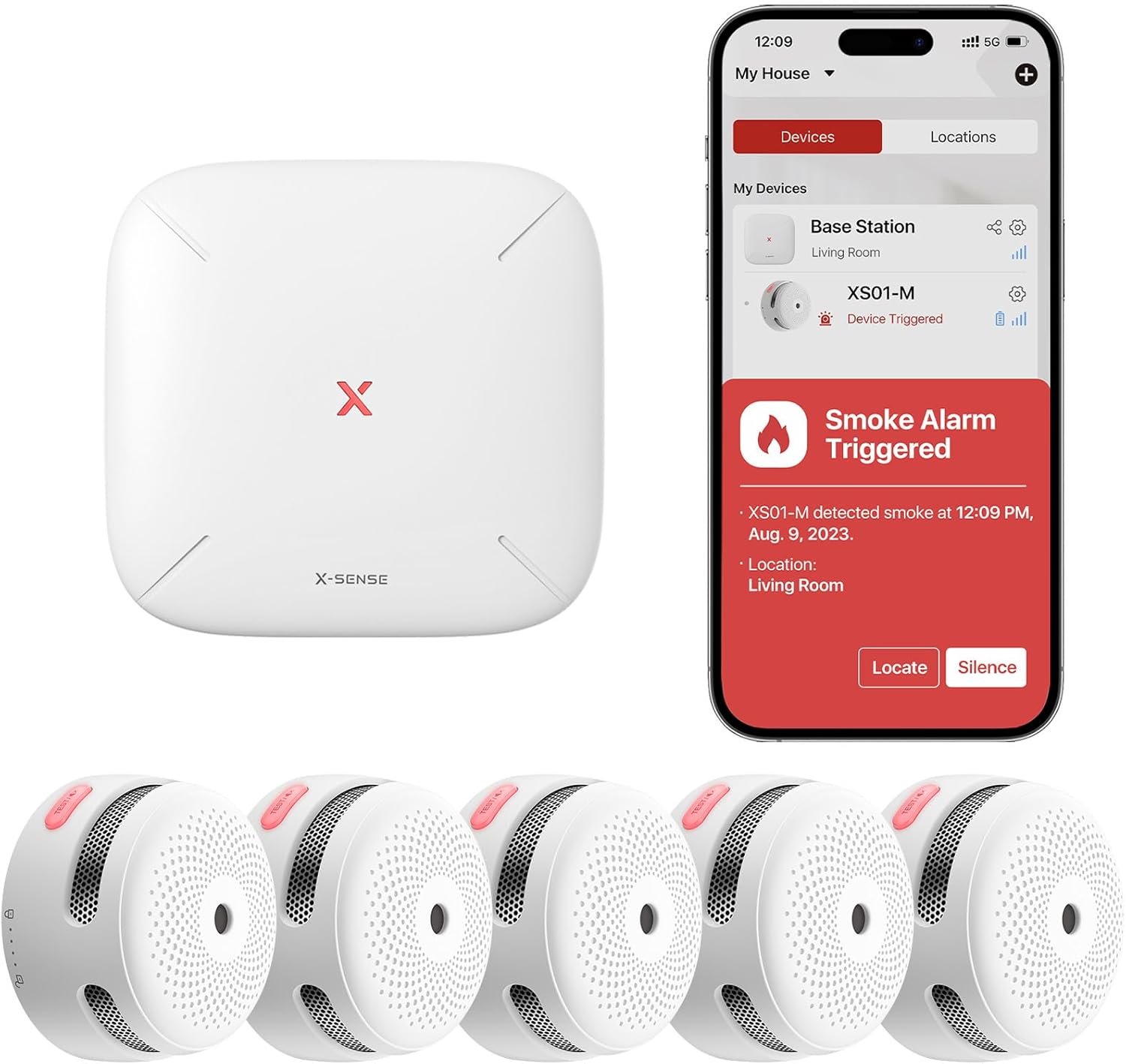
Smart hubs can boost home security with integrated cameras and sensors. Set alerts for unusual activity and consider features that block voice recordings if privacy is a concern.
Addressing Common Concerns
Privacy and Security
Though convenient, smart hubs and speakers can raise privacy issues. Always review and set appropriate permissions in your devices’ apps, and consider disabling voice recordings if it suits your needs.
Energy Consumption
Smart devices often run continuously, potentially increasing energy bills. However, automation can lead to more efficient energy use, like automatically turning off devices when not in use.
Compatibility Issues
Compatibility can pose challenges, so always check if new devices work with your existing hub. It’s often best to stick to the same brand or ecosystem when adding devices.
Troubleshooting Common Problems
Connection Issues
If your devices lose connection, check your Wi-Fi signal and reposition your hub if needed. Restart devices or your router, or consult the manufacturer if problems persist.
Unresponsive Devices
When a device doesn’t respond, unplug it momentarily or reset it. Ensure that firmware is up to date, which can often solve connectivity issues.
Voice Command Failures
For voice-related hiccups, make sure your smart speaker understands the correct wake word and commands. Sometimes, retraining the voice recognition can help improve accuracy.
FAQs
Can I use multiple hubs in one home?
Yes, but understand that using multiple hubs can create complexity. Ensure they are on separate networks or are compatible to avoid interference.
What’s the lifespan of a smart hub?
Typically, smart hubs last several years, with longevity depending on updates and support from the manufacturer. Regular firmware updates help extend its lifespan.
How do I know if my devices are compatible with my hub?
Most hubs list compatible devices on their website or give a compatibility checker within their app. Always verify this before purchasing new devices.
Final Thoughts
Setting up a smart hub is a journey filled with opportunities to enhance your living space with technology. From initial setup to ongoing troubleshooting, being informed helps you get the most from your smart home. Embrace the potential of smart technology, enjoy seamless Living, and always stay curious about advancements that can further optimize your experience.

Disclosure: As an Amazon Associate, I earn from qualifying purchases.