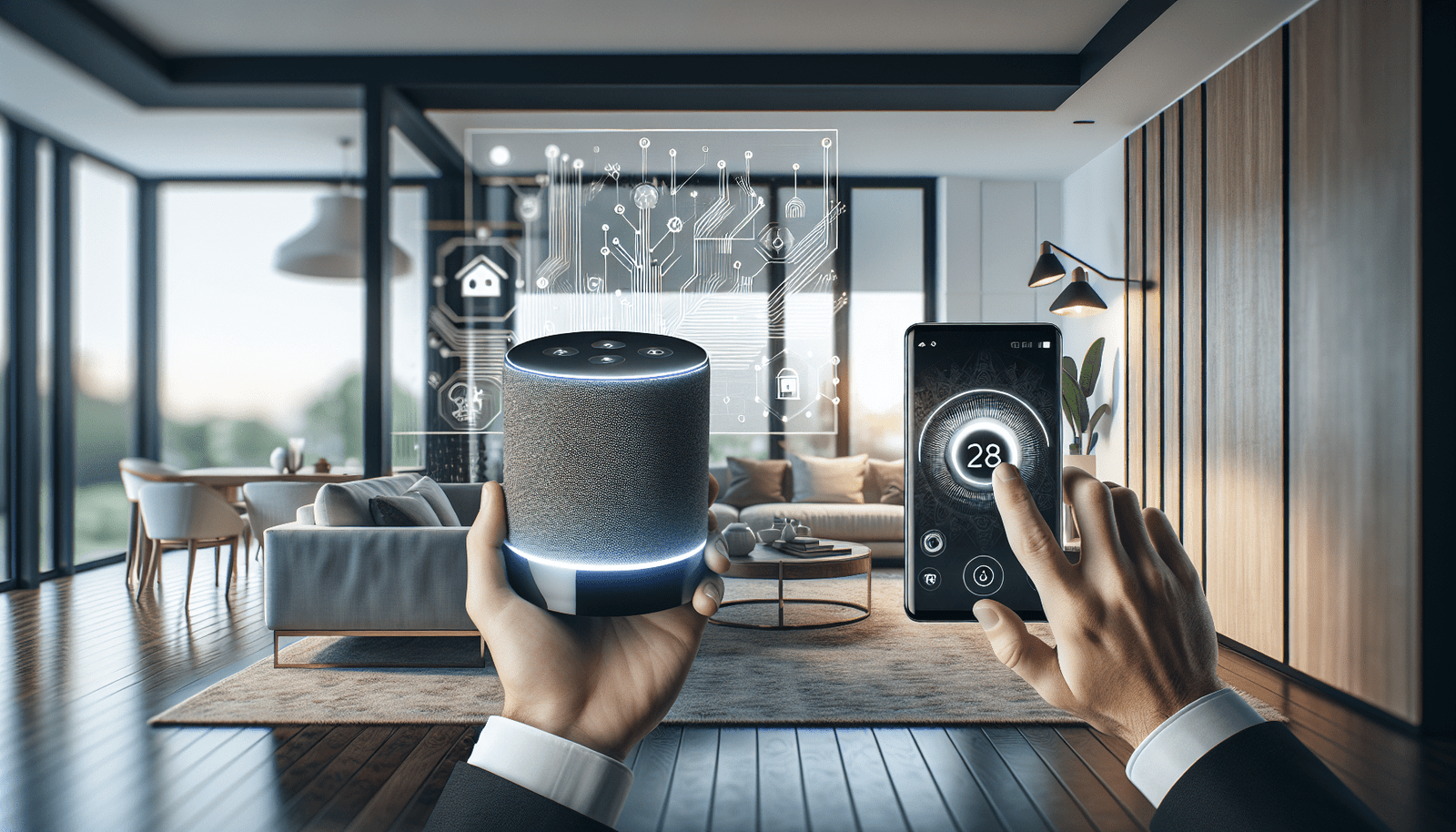
Can you imagine managing your home remotely without being tethered to a continuous internet connection? In today’s increasingly connected world, it seems almost everything depends on our ability to access the internet. But when it comes to smart home devices, is that really the case? Let’s uncover the fascinating dynamics of controlling smart home devices, even when the internet isn’t part of the equation.
Understanding Smart Home Technology
Smart home technology refers to a variety of devices and systems within your home that can be controlled remotely for convenience, security, and energy efficiency. These devices are typically interconnected through a network and can be managed via smartphones, tablets, or voice commands. The concept of smart living is designed to make daily life more efficient by allowing you to control lighting, heating, appliances, and security systems with ease.
What Makes a Home “Smart”?
A smart home comprises multiple devices that connect to your home network. These may include thermostats, lights, locks, cameras, and even smart speakers. The key function of these devices is their ability to collect and transmit data, respond to commands, and, ideally, learn user preferences to provide a personalized living experience. Such homes utilize artificial intelligence and the Internet of Things (IoT) to transform ordinary activities into seamless operations.
Benefits of a Smart Home
Living in a smart home brings numerous advantages:
- Convenience: You can control home systems from anywhere, enhancing your comfort by adjusting settings to your liking.
- Security: Smart security systems monitor your property 24/7 and offer features like real-time alerts and remote surveillance.
- Energy Efficiency: Smart devices can be programmed to optimize energy usage, leading to potential cost savings on utility bills.
- Customization: Many smart devices learn user behavior, allowing customization of experiences like lighting, temperature, and media usage.
The Role of Internet in Smart Home Devices
Typically, smart home devices rely on an internet connection to interact with each other and with the outside world. But what happens when your internet service is interrupted or you’re in a place where connectivity is limited?
Why Internet is Essential for Smart Devices
Most smart home devices need internet access to:
- Receive Firmware Updates: Regular updates are crucial, as they enhance device performance and introduce new features.
- Enable Voice Commands: Devices like Amazon Alexa or Google Assistant operate via the internet to process spoken commands.
- Facilitate Remote Access: Internet connectivity allows homeowners to control devices while away from home.
- Data Communication: Smart devices exchange data through internet protocols to stay in sync with user preferences.

Can Smart Home Devices Function Offline?
Surprisingly, yes! A number of smart home devices can be controlled without an active internet connection, although their functionality might be limited compared to when they’re online.
Local Versus Cloud Control
Smart home devices can be divided into two categories when it comes to control:
- Local Control: Devices communicating directly through local networks like Zigbee, Z-Wave, or Bluetooth.
- Cloud Control: Devices relying on centralized internet servers for execution of commands and storage of data.
While cloud control offers more capabilities, local control can still enable basic functions like turning lights on/off or adjusting thermostat settings through local apps or home automation hubs.
Exploring Smart Devices That Work Without Internet
To provide more clarity, let’s dive deeper into examples of smart devices that can function without a constant internet connection.
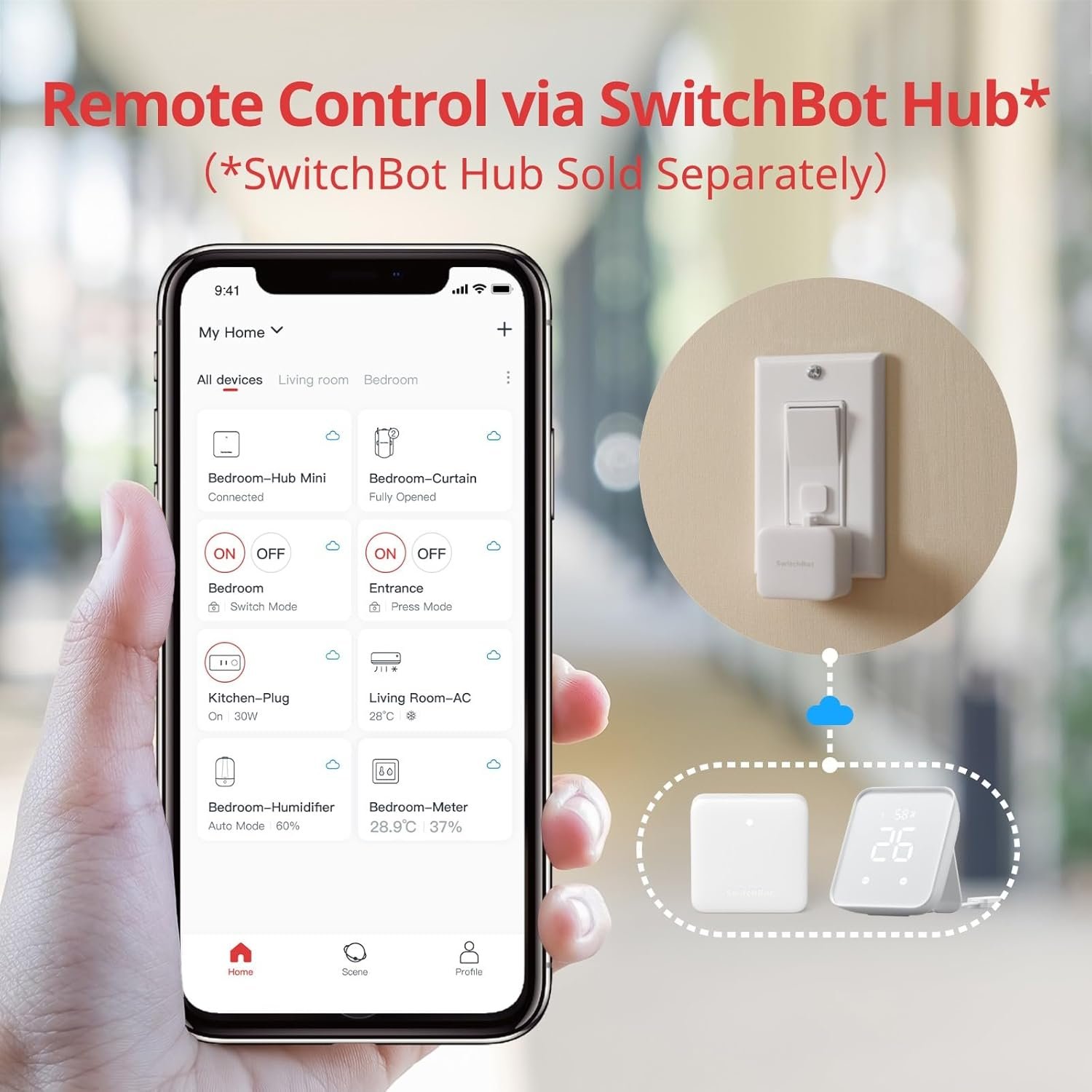
Local Smart Hubs
Products like Samsung SmartThings and Hubitat Elevation support local execution, allowing them to maintain certain levels of your smart home activity even when offline.
Samsung SmartThings
| Features | Online | Offline |
|---|---|---|
| Device Control | Full control via app | Basic automation and control within the local network |
| Voice Assistant Integration | Works with voice commands | Limited to manual control via physical interaction |
| Cloud Scenes and Automations | Full access | Pre-configured automations may run if stored locally |
Hubitat Elevation
Hubitat emphasizes its local processing capability and remains one of the best options for offline smart home operation:
- Online: Full control and access to community support and updates.
- Offline: Rules and automations pre-set in the hub continue to operate within the local setup.
Smart Lighting Systems
Smart light bulbs such as those from Philips Hue and Wyze Bulbs have certain offline capabilities:
- Philips Hue with Bridge: Lights can be toggled on/off and dimmed using the Hue App on your local network.
- Wyze Bulbs: While some features will require the internet, basic light toggle operations can be performed without it using manual controls.
Thermostats
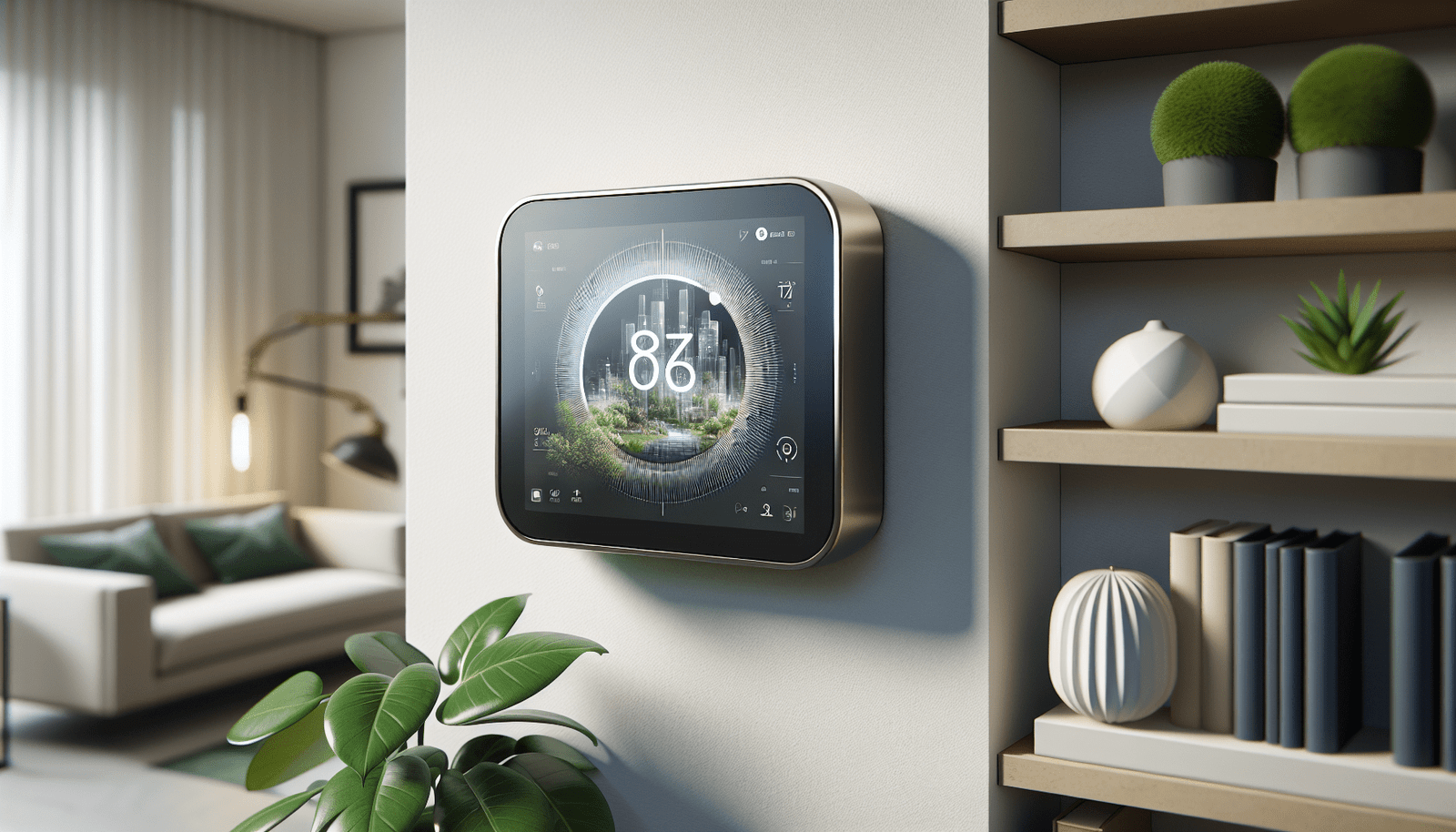
Some smart thermostats are designed to function locally, providing a comfortable home environment without requiring internet access:
- Nest Thermostat: Although it loses external remote access without internet, it can still manage heating and cooling based on pre-configured schedules.
- Ecobee Thermostat: Similar to Nest, Ecobee’s local functions allow for temperature adjustments through manual override.
Security Systems
Basic security operations can continue in certain offline systems:
- Arlo Cameras: Offer local storage options which allow recordings even when internet is down.
- SimpliSafe Alarm System: Can operate with cellular backup in case of internet disruptions.
How to Set Up Smart Devices for Offline Control
Selecting the Right Devices
When planning to maintain functionality without the internet, select devices that emphasize local control and offer manual overrides or local execution modes. Prioritize systems that provide:
- Local hubs or controllers
- Backup communication (cellular options, if relevant)
- Pre-configured automation support
Configuring Local Controls
Follow these steps to ensure seamless offline operation:
- Establish a Local Network: Use a wireless mesh network for best local coverage and stability.
- Pre-Configure Automations: Set up rules and schedules within devices or hubs that execute without internet dependency.
- Test Local Features: Regularly unplug the internet connection to verify functioning of local-only features and backup systems.
Examining the Future of Internet-Free Smart Ecosystems
As technology evolves, manufacturers may focus more on robust local processing capabilities to cater to consumers desiring more reliable offline experiences.
Trends and Emerging Innovations
- Edge AI: Incorporating AI processors directly within devices to minimize dependence on cloud services.
- Low-Power Wide-Area Networks (LPWANs): Offering long-range communication suitable for smart home devices functioning without a wired internet connection.
- Advanced Hubs: Creating hybrid hubs that seamlessly switch between local and cloud operation.
The Move Towards Decentralization
Decentralization in smart home technology can result in:
- Enhanced Privacy: Local data processing lessens exposure to potential breaches and unauthorized access.
- Greater Reliability: Dependence on local execution improves resilience against internet outages and service disruptions.
Security and Privacy Considerations
While offline operation provides certain security benefits, staying informed about potential pitfalls is essential.
Offline Security Tips
- Keep Software Updated: Ensure all devices and hubs have the latest updates performed when online.
- Secure Local Access Points: Password protect local networks and enable encryption where possible.
- Regular Audits: Monitor and review device activity logs both offline and when reconnecting to the internet.
Balancing Privacy with Functionality
Finding the right balance between offloading task management to the cloud and protecting personal data through local operations is key for achieving a secure smart home environment.
Determining Smart Home Investment Value
Evaluating whether a smart home setup suits your needs involves considering both internet-dependent and independent functionalities to gauge:
- Initial and Maintenance Costs: Evaluate pricing of smart devices against planned offline usage.
- Return on Investment (ROI): Consider potential energy savings and convenience factors.
- Scalability: Explore options for future upgrades keeping technological advances in view.
Conclusion
Can smart home devices really be controlled remotely even without an internet connection? The answer lies in choosing the right technology that ties together seamless living with both internet-dependent and independent features. As you navigate the possibilities within smart home ecosystems, the freedom of choice rests within your grasp, allowing you to elevate your home into a haven of intelligent convenience and robust autonomy.