Have you ever found yourself wondering which smart speaker would be the perfect addition to your home setup? With so many options available, it can be tricky to identify the right fit for your needs and lifestyle. In this article, let’s unpack the key features and differences between three of the most popular options: Alexa, Google Assistant, and Siri. By the end of it, hopefully, you’ll have a clearer idea of which smart speaker might be best suited for you.
Understanding Smart Speakers and Hubs
Before diving into the specifics of Alexa, Google Assistant, and Siri, it’s essential to grasp what smart speakers and hubs do and how they fit into a smart home ecosystem.
What Are Smart Speakers?
Smart speakers are essentially voice-activated devices that respond to your verbal commands. They play music, provide weather updates, set reminders, and even control other smart devices in your home. The magic happens through virtual assistants—like Alexa, Google Assistant, and Siri—embedded within them.
Smart Hubs: The Central Control
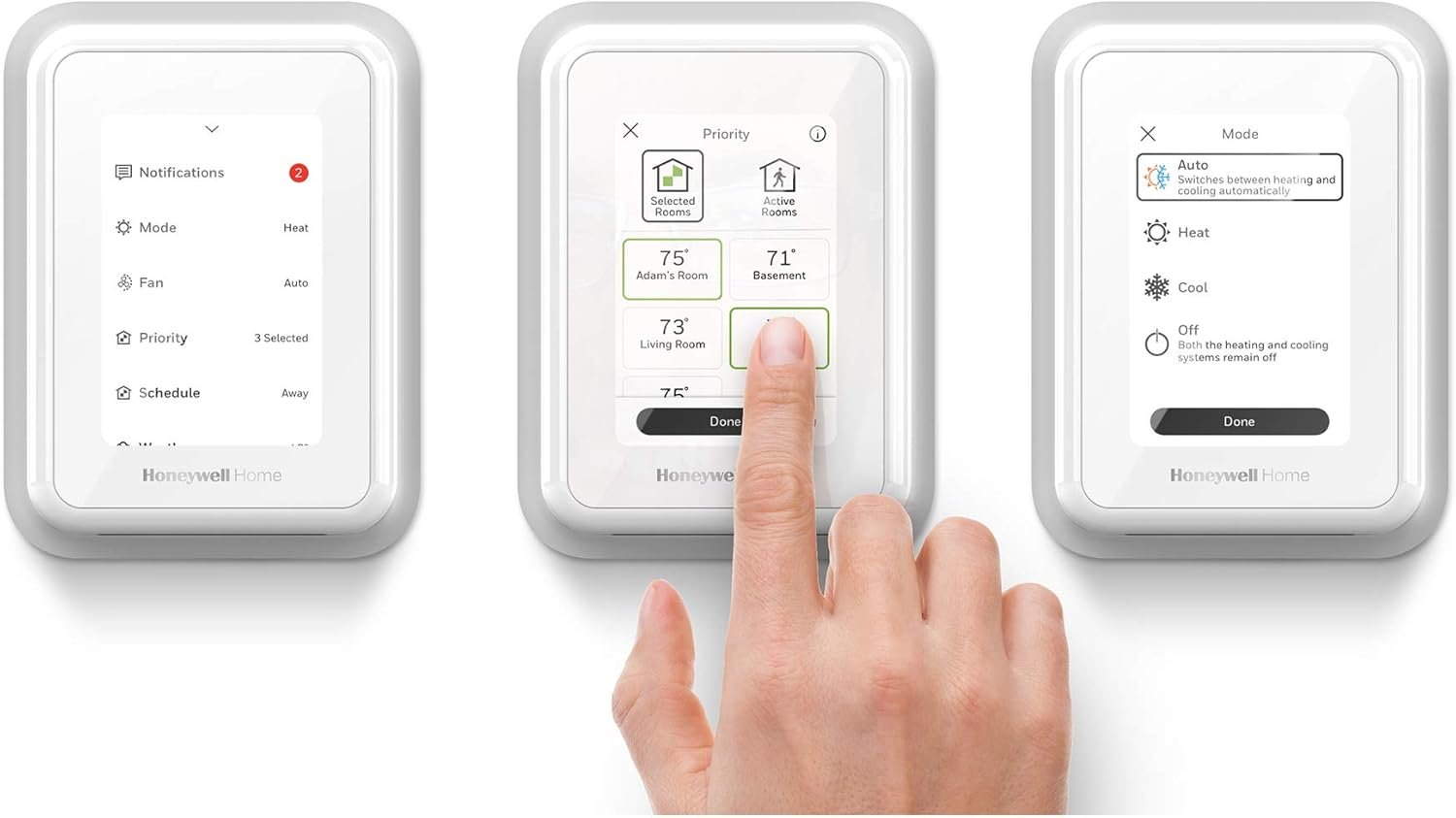
If smart speakers are your voice-activated personal assistants, consider smart hubs as the control centers that connect and manage your various smart home devices. While a smart speaker can operate as a hub, dedicated hubs may offer more extensive features and compatibility. Understanding the distinct roles of these devices can help in making an informed decision when integrating them into your home.
Alexa: The Everyday Helper
Amazon’s Alexa is one of the pioneers in the smart speaker landscape. Known for its wide range of capabilities and compatibility with numerous smart home products, Alexa has carved out a significant niche in tech-savvy homes.
Alexa’s Key Features
Alexa can do just about anything, from streaming music to ordering products from Amazon. Its strength lies in its compatibility with a broad array of third-party devices. If you’re keen on creating a complex smart home with lots of different devices, Alexa might be the way to go.
Alexa Devices
Alexa is embedded in a range of devices, including the Amazon Echo, Echo Dot, and Echo Show. Each has its unique features—like built-in displays or compact designs—that cater to different preferences and needs.
Pros and Cons of Alexa
Pros
- Extensive Compatibility: Works with numerous smart home brands.
- Skills and Integration: Alexa Skills enable customization, adding new functions easily.
Cons
- Privacy Concerns: The extensive data it collects might worry the privacy-conscious.
- Needs Internet: Requires constant internet connection to function well.
Google Assistant: The Knowledge Partner
Google Assistant stands out for its ability to provide reliable information swiftly, leveraging Google’s vast search engine power. It’s an excellent choice for those heavily ingrained in the Google ecosystem.
Google Assistant’s Key Features
Google Assistant excels in understanding natural language, making interactions remarkably smooth. It thrums through services like Google Calendar and Gmail, synchronizing seamlessly with your everyday digital habits.
Google Assistant Devices
You’ll find Google Assistant in devices such as Google Nest Audio, Nest Mini, and Nest Hub, catering to different audio and visual needs. Each device is designed to integrate effortlessly with Google’s other services.
Pros and Cons of Google Assistant
Pros
- Superior Search Functionality: Returns accurate data quickly due to Google’s search engine.
- Contextual Recognition: Understands complex, multi-step requests with ease.
Cons
- Limited Third-Party Support: May not support as many third-party products as Alexa.
- Dependency on Google Ecosystem: Heavily depends on Google apps for optimal performance.
Siri: The Apple Ecosystem’s Ally
Known for its integration with Apple devices, Siri offers a seamless experience if you’re an Apple user. Siri works wonders within its ecosystem but may fall short if your devices are not Apple-centric.
Siri’s Key Features
Siri offers deep integration with Apple’s suite of products. It works flawlessly with iPhones, iPads, Macs, and Apple services, bringing together your digital life under a single, cohesive umbrella.
Siri Devices
Apple HomePod and HomePod mini are the primary devices when it comes to housing Siri. They provide excellent audio quality and sync perfectly with other Apple devices through AirPlay.
Pros and Cons of Siri
Pros
- Excellent Sound Quality: Particularly with the HomePod, sound quality is top-notch.
- Integration with Apple Products: Works seamlessly with Apple’s ecosystem.
Cons
- Limited Compatibility: Primarily tailored to Apple products, lesser support for third-party devices.
- Cost: Can be pricier compared to Alexa and Google Assistant alternatives.
Comparing Alexa, Google Assistant, and Siri
With a clearer understanding of each platform’s strengths and weaknesses, how do they compare in a head-to-head setting? This comparison can help point you toward the assistant that aligns with your priorities.
Voice Recognition and Command Execution
All three assistants are excellent at recognizing voices and executing commands, but there are subtleties in their performance. Google Assistant leads in understanding naturally structured queries, while Alexa is known for its expansive range of capabilities, and Siri shines within Apple’s ecosystem.
Device Compatibility
- Alexa: Most versatile, working with the widest range of smart devices.
- Google Assistant: Strong in core functionality but less extensive third-party support.
- Siri: Best for Apple devices, with limited third-party compatibility.
Audio Quality
For those who prioritize music and sound quality:
- Siri: HomePod delivers premium audio experience.
- Google Assistant: Offers decent sound quality across its device range.
- Alexa: Sound quality varies by device model and price range.
Privacy and Security
Privacy remains a crucial point of concern for many users. Each brand approaches privacy differently:
- Alexa: Offers options to review and delete voice recordings but requires user management.
- Google Assistant: Provides voice data management through the Google Account dashboard.
- Siri: Focuses on keeping requests anonymous and local when possible, often seen as more privacy-focused.
Making Your Decision
Your specific needs will ultimately guide your decision. Let’s break it down based on different user priorities:
For Tech Enthusiasts and Smart Home Owners
If your aim is to build an intricate and comprehensive smart home system, then Alexa might be your best bet due to its compatibility with a wide array of devices. Its extensive catalog of skills and ability to integrate seamlessly with third-party applications make it a strong contender.
Beginners and First-Time Buyers
New to smart speakers? Google Assistant offers a straightforward experience for those who appreciate robust information retrieval and integration with Google services without much technical setup. The ability to understand natural language effectively is a great start for beginners.
Privacy-Conscious Users
Siri would be the most advisable option if privacy is at the forefront of your concerns. Its approach to handling voice data makes it favorable for anyone who prioritizes data security, especially within the Apple ecosystem.
Music Lovers and Entertainment Seekers
For those who value sound quality above all else, the Apple HomePod with Siri stands out. It offers a premium auditory experience and integrates beautifully with Apple Music and other Apple services. Yet, Alexa and Google Assistant devices remain competitive, offering satisfactory audio at various price points.
Setting Up Your Smart Speaker
Once you’ve made a decision, setting up your smart speaker is straightforward but varies slightly between platforms. Here are generalized steps to get you started:
General Setup Tips
- Unbox Your Device: Place it centrally in the room for optimal voice recognition.
- Plug In and Power Up: Connect to a suitable power outlet and switch on your device.
- Connect to Wi-Fi: Essential for functionality; use a stable network to ensure seamless operation.
- Download the Relevant App: Ensure you have the relevant app (Amazon Alexa, Google Home, or Apple Home) for setup and management.
Specific Setup Guides
- Alexa: Open the Alexa app, follow prompts to detect and connect your speaker, and configure compatible smart devices.
- Google Assistant: Use Google Home app, initiate device setup and follow guided steps for integration with services.
- Siri: Use the Apple Home app, follow on-screen instructions, and start syncing with other Apple products.
Conclusion: Choose Wisely for Your Needs
The perfect smart speaker for you will depend on what aligns best with your desires and priorities. Consider your ecosystem preferences, privacy requirements, and audio expectations while making a decision. With advancements continuing in the realm of smart technology, any choice today is likely to offer an exciting glimpse into a more automated future right in the comfort of your home. Whichever path you take, each device provides its unique advantages, making everyday tasks more accessible and enhancing your interaction with technology.

Disclosure: As an Amazon Associate, I earn from qualifying purchases.