What’s your favorite way to binge-watch your favorite shows? If you’re like many people who love the streaming experience, you’re probably always seeking the best tools to enhance it. Let’s talk about the Chromecast with Google TV (4K) and how it can transform your television experience, opening the door to a world of content right at your fingertips.

Overview of Chromecast with Google TV (4K)
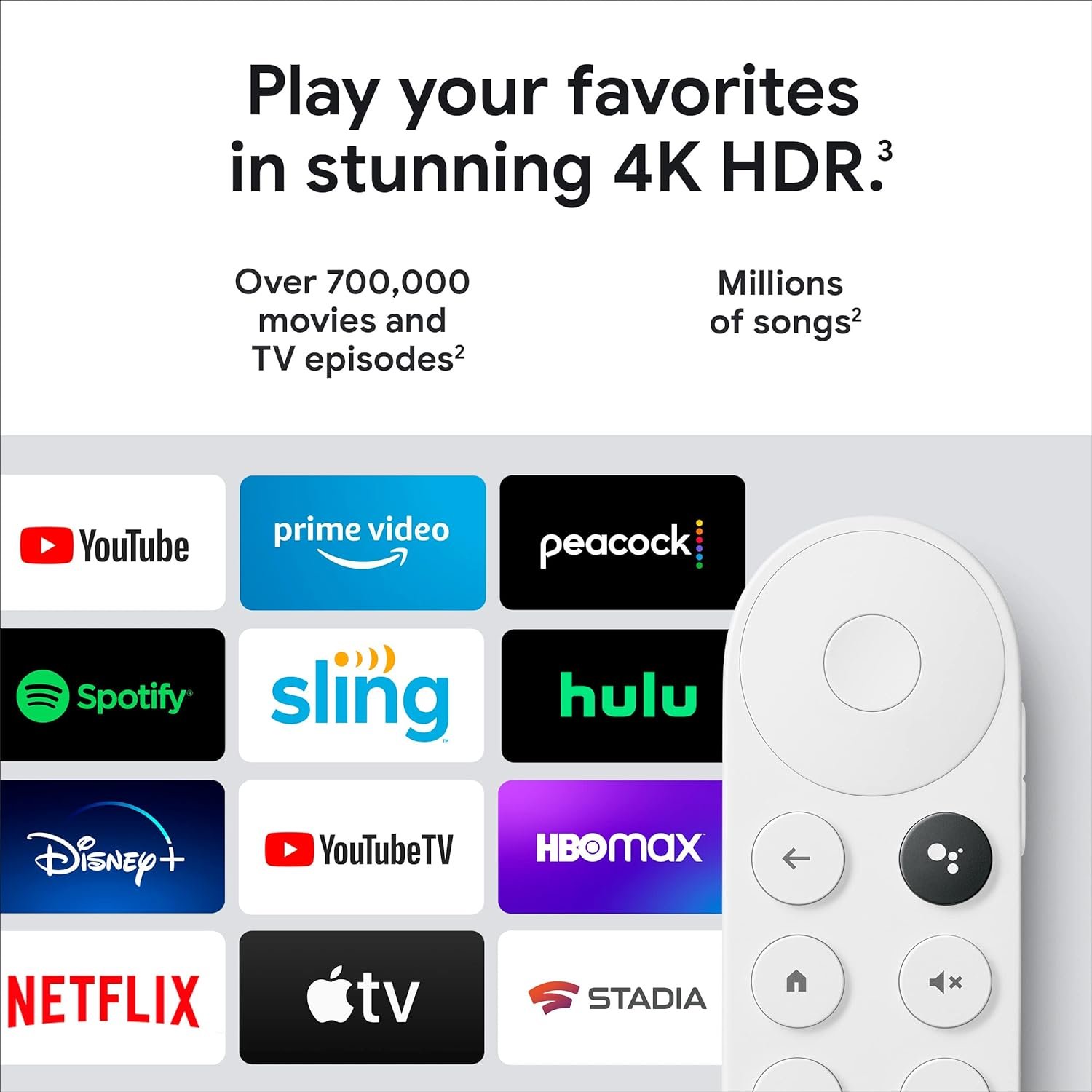
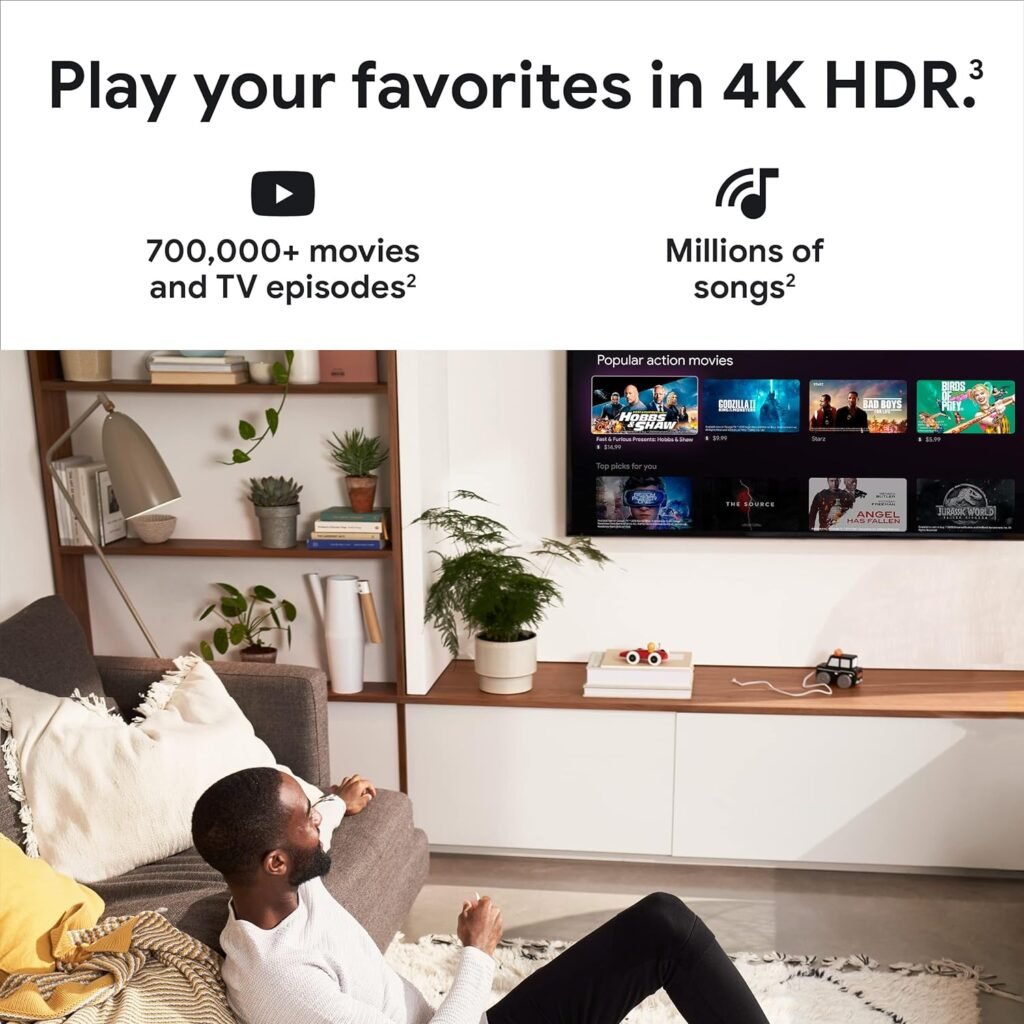
When you think of a streaming stick, what comes to mind? Maybe it’s something that plugs directly into your TV, letting you access countless movies and shows. The Chromecast with Google TV (4K) takes that concept and elevates it. Imagine having over 700,000 movies and TV episodes to choose from, plus millions of songs, all available in stunning 4K HDR. It could be a game-changer for your entertainment setup!
Key Features
Here’s a closer look at what makes the Chromecast with Google TV stand out:
| Feature | Description |
|---|---|
| 4K HDR Streaming | Watch your favorite shows and movies in up to 4K resolution with High Dynamic Range for richer colors and clearer images. |
| Universal Home Screen | Access content from various streaming services all in one place, with recommendations tailored to your viewing habits. |
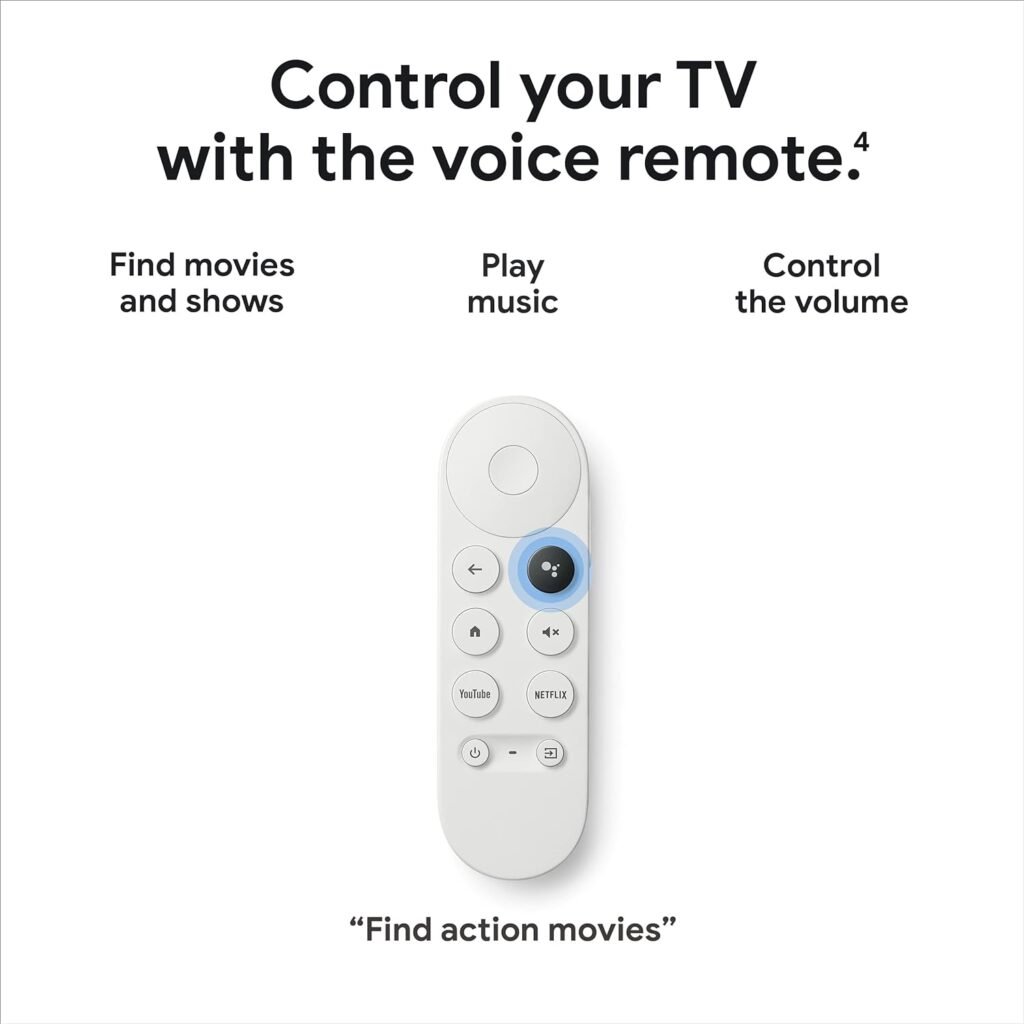
| Voice Search | Use the Google Assistant to search for specific shows or content by mood, genre, or even by actor – all hands-free. |
| Easy Installation | Simply plug it into any HDMI port, connect to Wi-Fi, and you’re ready to go. |
| Compatible with Google Devices | Connect to other Google speakers and displays to control your viewing experience and enhance your home audio setup. |
| Kids Profile | Create a family-friendly environment with themes, avatars, and parental controls to manage what your kids can watch, watch time, and bedtimes. |
| Casting from Your Device | You can cast content from your phone or tablet directly to the TV with a simple tap. |
| Smart Home Integration | Watch your Nest Cam feed and control other smart devices in your home without interrupting what you’re watching. |
Getting Started with Chromecast
Setting up the Chromecast with Google TV couldn’t be easier. Simply plug the device into your TV’s HDMI port, and you’re almost there. You’ll connect to your Wi-Fi, and in just a few moments, you’ll have everything you need to start streaming.
Step-by-Step Installation
- Plug it in: Connect the Chromecast to your TV’s HDMI port. Utilize the included power cable to plug it in.
- Select Input: Change your TV input to the HDMI channel where the Chromecast is connected.
- Connect to Wi-Fi: Follow the prompts on the screen to connect to your home Wi-Fi network.
- Sign in to Google: Use your Google account to personalize your experience and select your favorite apps.
- Start Streaming: That’s it! You’re ready to browse and start watching.
User Interface and Experience
The interface of Chromecast with Google TV is sleek and user-friendly. It combines recommendations from multiple platforms in a single view, making it easy to find something to watch without jumping between apps.
Home Screen
When you fire up your Chromecast, the home screen displays all your movies and shows from different services. Here’s what you can typically find:
- Personalized Recommendations: Based on your viewing habits and subscriptions, you’ll see suggestions for what to watch next.
- Categories and Genres: Browse through various genres like action, comedy, horror, and family-friendly options in a visually appealing layout.
Voice Search
Using voice search is as simple as pressing a button. Just call out what you want to watch, whether it’s a specific title or a genre. For instance, if you’re in the mood for a romantic comedy, you can just say that, and Chromecast will pull up all relevant titles from all your platforms.
Streaming Quality
Streaming quality is critical when it comes to fully enjoying movies and shows. With the Chromecast with Google TV, you get to experience unbelievable clarity due to the 4K HDR capabilities.
Picture Quality
You’ll notice the difference in your viewing experience almost immediately. The combination of 4K and HDR means brighter colors and sharper images. Whether it’s a nature documentary or an action-packed thriller, the detail will grab your attention.
Sound Quality
While the visual quality is top-notch, the audio experience is equally impressive. If you’re using speakers that support surround sound, it complements the stunning graphics perfectly. Pair it with a soundbar for an immersive experience that will make every binge session feel like a night out at the movies.
Content Variety
The Chromecast with Google TV gives you access to a universe of content. Whether you’re into the latest box office hits, binge-worthy shows, or nostalgic classics, this device has something for everyone.
Streaming Services
Most major streaming platforms are compatible, including:
- Netflix
- Amazon Prime Video
- Hulu
- Disney+
- YouTube
- Apple TV+
This broad selection means you can switch between services with ease, allowing you to find just what you’re in the mood for.
Live TV Options
In addition to on-demand movies and shows, Chromecast with Google TV also offers access to live TV options, perfect for catching your favorite sports or news programs. You can subscribe to streaming services like YouTube TV or Sling TV to enjoy your must-have channels without the hassle of a cable subscription.
Smart Home Integration
Having control over your smart devices from one place is a huge bonus that comes with Chromecast. If you already have a home setup that includes Google devices, this feature can really enhance your daily routines.
Compatibility with Google Devices
Imagine being able to adjust your thermostat or turn on the lights all while comfortably seated on your couch. Just say, “Hey Google, turn on the living room lights,” and the magic happens!
Nest Cam Integration
One standout feature is that you can watch your Nest Cam feed right on your TV. It’s a fantastic way to stay connected to what’s happening in your home without having to rely solely on your phone or tablet.
Family Features
For families, the Chromecast with Google TV comes with special features that make it a truly family-friendly device.
Kids Profile
Creating a kids profile can help filter out inappropriate content and keep your little ones entertained with fun, educational, and age-appropriate options. Plus, you have the ability to set time limits so kids can’t stay glued to the TV for hours on end.
Parental Controls
You can easily set parental controls for each profile, so you can restrict certain streaming services or set restrictions on watching hours. This gives you peace of mind that your kids aren’t watching anything unsuitable.
How Does It Compare?
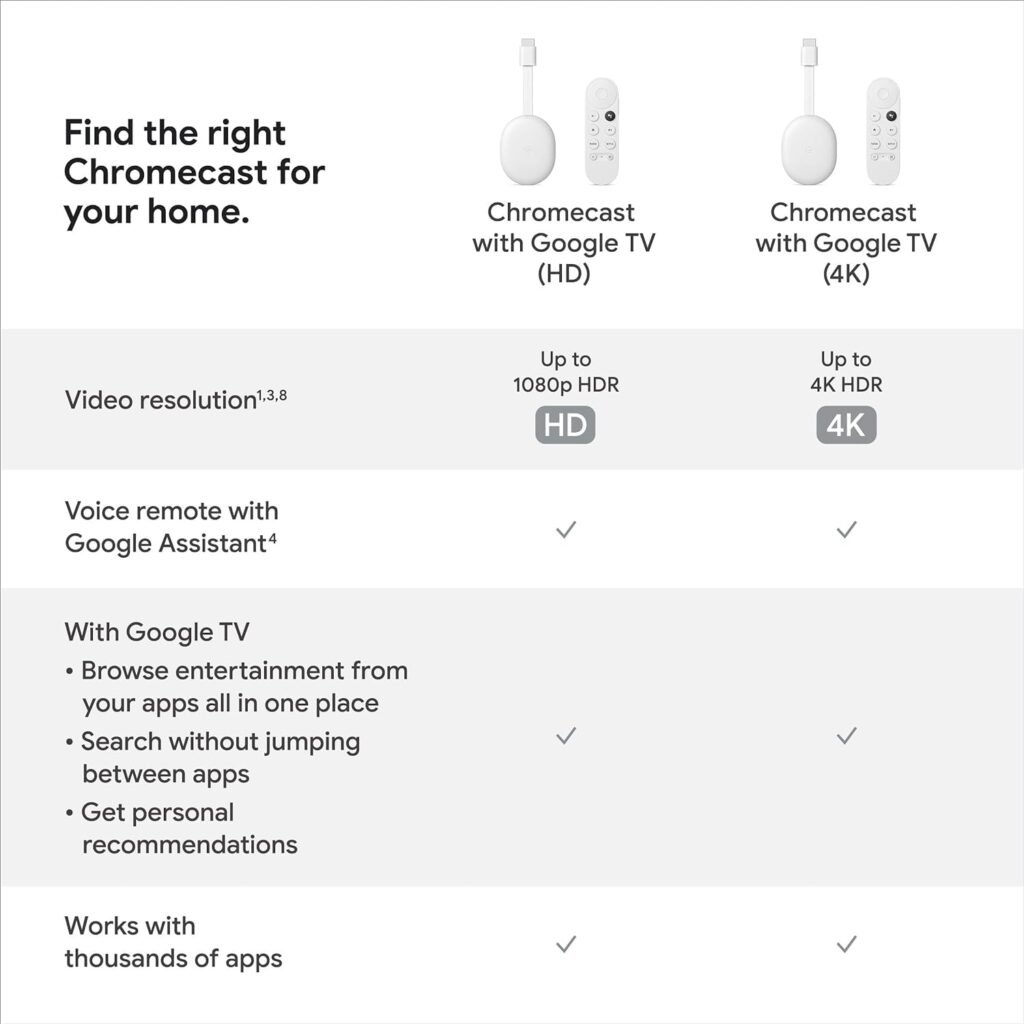
If you’re wondering how the Chromecast with Google TV stacks up against other streaming sticks, let’s break it down.
| Feature | Chromecast with Google TV (4K) | Amazon Fire Stick 4K | Roku Streaming Stick+ |
|---|---|---|---|
| 4K HDR | Yes | Yes | Yes |
| Voice Assistant | Google Assistant | Alexa | Roku Voice Remote |
| Interface | Customizable Home Screen | Home Screen | Main Menu |
| App Variety | Comprehensive | Comprehensive | Comprehensive |
| Smart Home Integration | Yes | Limited | Limited |
| Kids Features | Strong parental controls | Good controls | Limited controls |
In general, the Chromecast with Google TV delivers a flexible and personalized viewing experience, particularly for those already integrated into the Google ecosystem. If you value voice search and smart home integration, you’re likely to find this device particularly appealing.
Accessories
The Chromecast with Google TV comes with a few nifty accessories that enhance the overall experience.
Remote Control
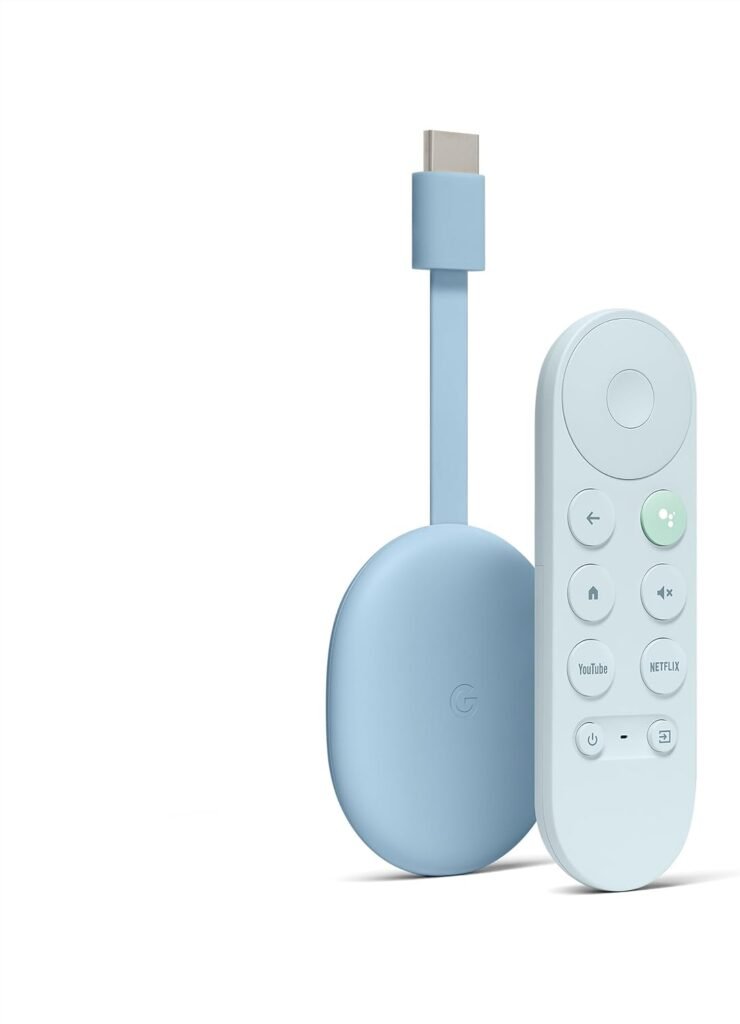
The included remote is not just a simple device to switch channels. It features dedicated buttons for popular streaming services, a Google Assistant button for voice control, and controls to manage your volume and playback.
HDMI Adapter
If you have a TV that’s located in such a way that the HDMI ports are hard to reach, you’ll appreciate the HDMI adapter that comes with the Chromecast. It makes it easier to connect the streaming stick to your TV without struggling behind the screen.
Power Cable
The power cable is straightforward to use. You’ll plug one end into the Chromecast and the other into a power outlet. It’s necessary for ensuring that your streaming stick stays powered throughout your viewing session.
Conclusion
By now, it should be clear that the Chromecast with Google TV (4K) offers a top-tier streaming experience that’s hard to beat. Its 4K HDR capabilities, combined with an intuitive user interface and voice search options, position it as a game-changer for home entertainment. From the extensive content library to easy smart home integration and family-oriented features, this streaming stick meets a wide range of needs and preferences.
If you’re in the market for a new streaming device or looking to enhance your current setup, the Chromecast with Google TV (4K) is definitely worth considering. Whether you want to binge-watch popular series, enjoy movies with your family, or stay updated with live broadcasts, this device will be a solid companion in your entertainment journey. Your couch is waiting—start streaming!

Disclosure: As an Amazon Associate, I earn from qualifying purchases.