What would it be like to have a doorbell that not only rings but also keeps you informed about what’s happening right outside your door?
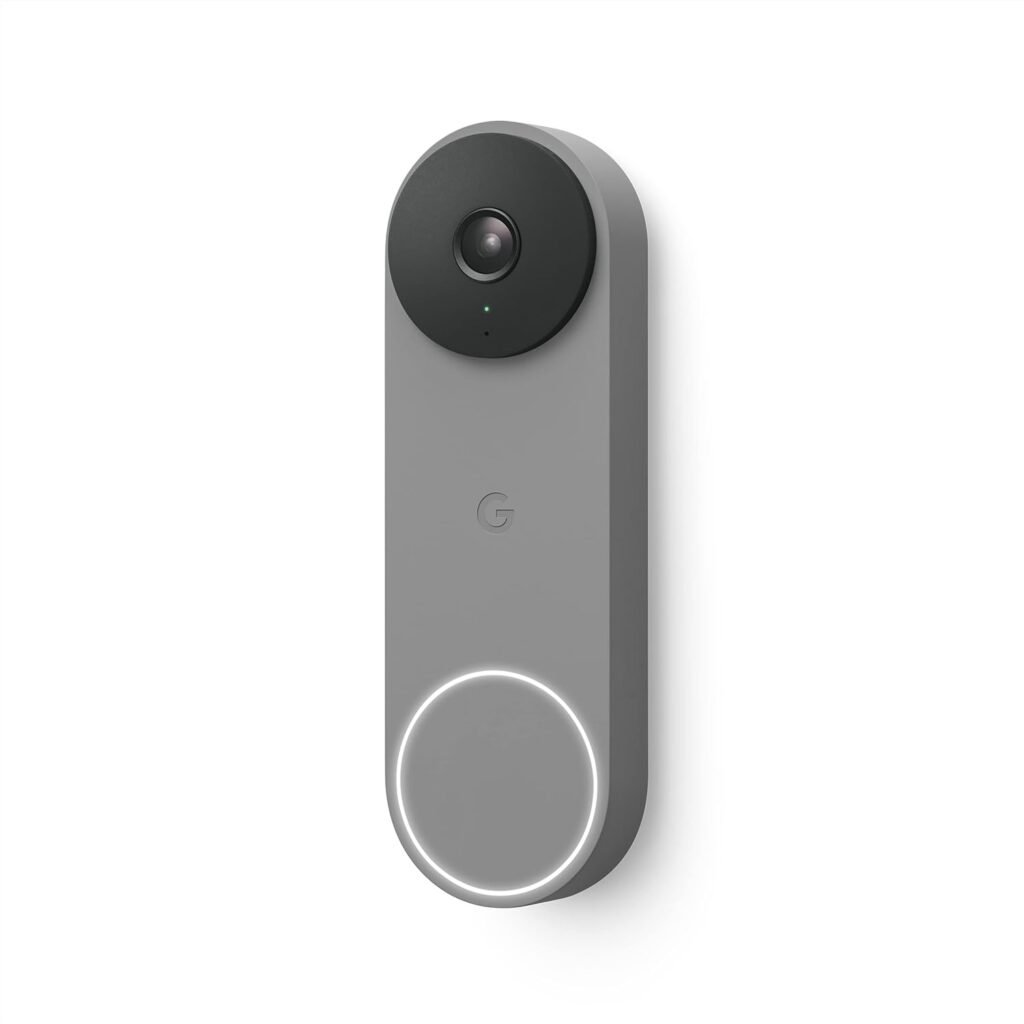

Features of the Google Nest Doorbell (Wired, 2nd Gen)
The Google Nest Doorbell packs a lot of features into a small device. This isn’t just any ordinary doorbell; it’s designed to enhance security, streamline communication, and offer you peace of mind. Here’s a breakdown of what this incredible device offers.
Intelligent Alerts
One of the standout features of the wired Nest Doorbell is its ability to differentiate between people, packages, animals, and vehicles. This means that you’ll receive alerts that truly matter without being flooded with notifications from every passing car or neighborhood cat. You get to customize your alerts based on what’s significant to you.
Impressive Field of View
With a 145-degree diagonal field of view and a 3:4 aspect ratio, the camera allows you to see more than just the area right at your doorstep. You’ll get a broader perspective of everything happening outside your home, ensuring that you’re not missing out on any potential visitors or deliveries.
24/7 Monitoring Without Battery Hassles
Are you tired of constantly having to recharge your doorbell batteries? The wired Nest Doorbell offers peace of mind by providing 24/7 access to your video feed without needing to recharge. This feature is particularly great for those who want continuous monitoring without the worry of running out of power.
Video History
You can’t always be at home, but that doesn’t mean you have to miss important moments. The Nest Doorbell provides three hours of free event video history, allowing you to catch up on what you may have missed. You can view 2-second previews and 5-minute clips of significant activities directly through the Google Home app.
Subscription Options
While the basic features are impressive, subscribing to Nest Aware gives you even more capabilities. If you’re looking for more extensive video history and smart features, a subscription can provide up to 30 days of event video history and familiar face detection. Opt for the Nest Aware Plus subscription, and you can get up to 10 days of continuous video recording.
Easy Integration with Smart Devices
Imagine controlling everything from one central point. The wired Nest Doorbell is compatible with smart devices that work with Google Assistant or Amazon Alexa. This means you can stream your live video feed or communicate with visitors at your door through compatible smart devices. It’s a seamless integration that makes your life easier.
Beautiful Design and Sustainability
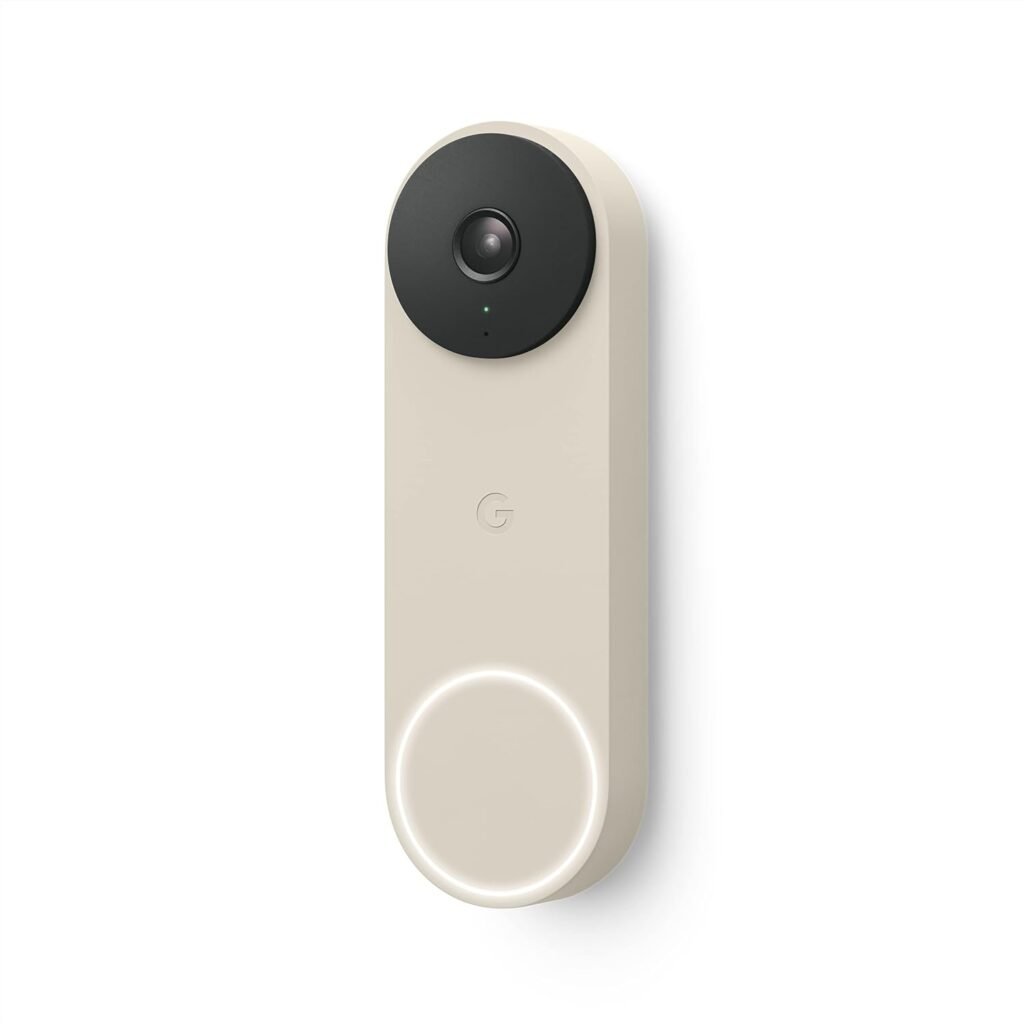
Design matters, especially when it comes to home decor. The Nest Doorbell is not only functional but also aesthetically pleasing. It’s designed to complement any home exterior, and the fact that it’s made with 43% post-consumer recycled materials makes it a responsible choice for you and the planet.

Installation Process
How easy is it to install the Google Nest Doorbell? Let’s break it down.
Compatibility
Before you purchase, ensure that you have a compatible chime and transformer, which are sold separately. You might also need to replace your existing hardware, depending on your previous doorbell setup. Check the specifications to make sure everything’s in order.
Step-by-Step Installation Guide
-
Turn Off Power: Before starting the installation, make sure to turn off the power to your existing doorbell.
-
Remove the Old Doorbell: Unscrew and remove your existing doorbell, and disconnect the wires.
-
Connect Wires: Connect the wires to the terminals on the Nest Doorbell. Make sure to follow the instructions carefully.
-
Mount the Doorbell: Secure the doorbell in place using the screws provided.
-
Turn On Power: Once installed, turn the power back on and test your new doorbell.
-
Set Up with Google Home App: Download the Google Home app, create a free Google account if you don’t have one, and follow the prompts to complete the setup.
Troubleshooting Installation Issues
Sometimes, things don’t go smoothly. If you run into issues, check the following:
- Power Supply: Ensure that your transformer is compatible and providing sufficient power.
- Chime Issues: Make sure your existing chime is compatible with the Nest Doorbell.
- Network Connection: Ensure you have a stable Wi-Fi connection for optimal performance.


User Experience and Functionality
How does the Google Nest Doorbell perform in real life? Let’s consider some key aspects.
User-Friendly App Interface
The Google Home app is designed with user-friendliness in mind. Once set up, you can easily navigate the app to check your video feed, adjust settings, and receive alerts. The interface is clean and intuitive, ensuring that you won’t feel overwhelmed by the technology.
Real-Time Notifications
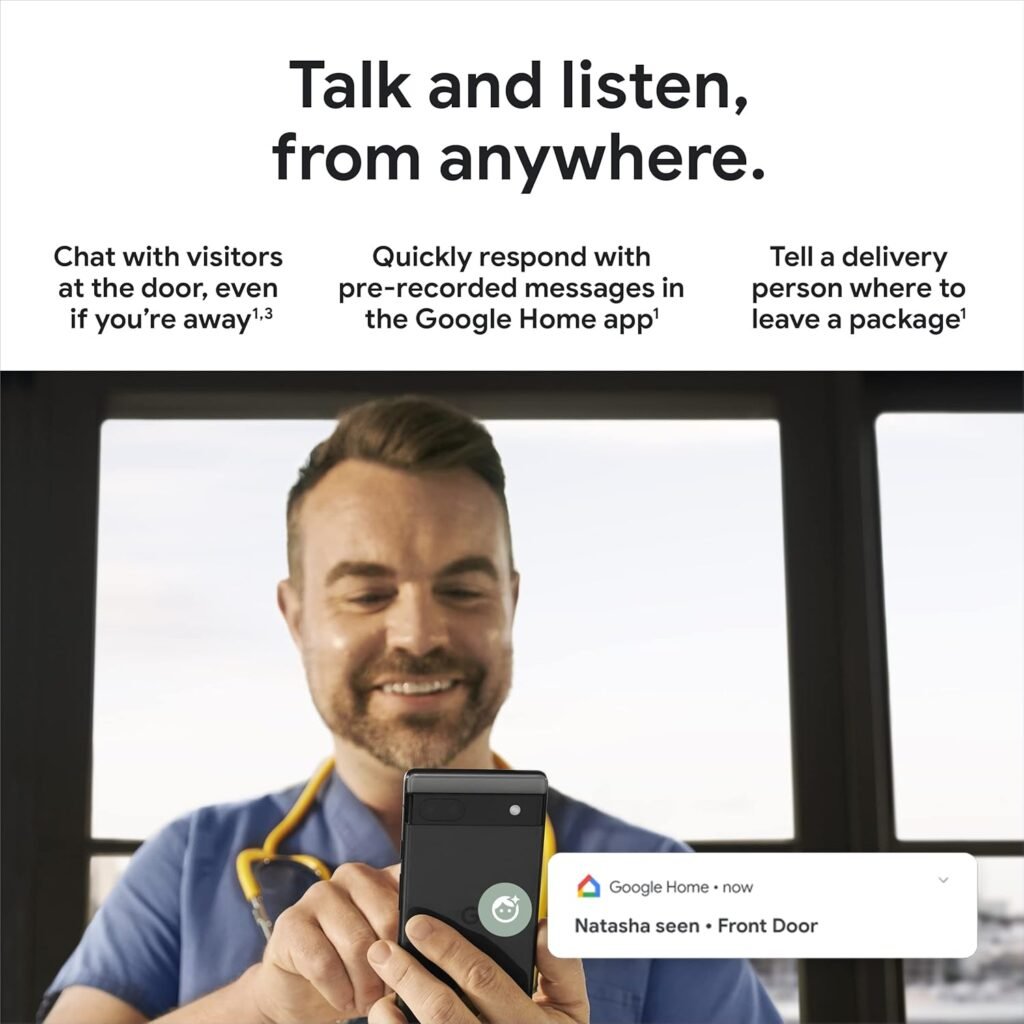
Imagine being notified in real-time when someone is at your door. The doorbell sends alerts to your phone, allowing you to see and communicate with visitors instantly. Whether it’s a friend stopping by or a delivery person, you’ll know who’s there and can respond accordingly.
Communication Features
You can chat through the doorbell, which is especially useful when you’re busy or unable to reach the door. This feature allows you to greet friends or give instructions to delivery personnel on where to leave your package without opening the door. Plus, you can quickly respond to visitors using pre-recorded messages for added convenience.
Stunning Video Quality
Not all doorbells are created equal when it comes to video quality. With the Nest Doorbell, you can expect high-definition video that captures the details. Whether it’s day or night, the camera performs admirably, ensuring you see everything clearly when it counts.
Security Benefits
Having a wired doorbell adds a layer of security to your home. Knowing that you can monitor who comes and goes helps deter unwanted visitors. Moreover, with features like familiar face detection available in the premium subscription, you can receive alerts about people you recognize or don’t.
Comparison with Other Doorbells
How does the Google Nest Doorbell stack up against its competitors?
| Feature | Google Nest Doorbell (Wired) | Ring Doorbell | Arlo Video Doorbell |
|---|---|---|---|
| Field of View | 145° diagonal | 160° horizontal | 180° diagonal |
| Subscription Options | Nest Aware for advanced features | Ring Protect | Arlo Smart Plans |
| Battery Powered | No | Yes | Yes |
| Video History | 3 hours free | 60-day with subscription | 30 days with subscription |
With its impressive video quality, superior alert systems, and seamless integration with smart devices, many users find the Google Nest Doorbell to be a top choice. The wired feature is a significant plus, as you won’t need to recharge batteries.
Conclusion: Is the Google Nest Doorbell Right for You?
Whether you’re a tech-savvy homeowner or someone just looking to enhance your security, the Google Nest Doorbell offers a compelling package. It’s designed to give you control over your home security, effective communication with visitors, and peace of mind with monitored video.
Consider your needs and preferences as you think about investing in this doorbell. Does continuous monitoring matter to you? Would you appreciate the ability to differentiate alerts for specific types of visitors? If the answer is yes, this doorbell might very well be the perfect fit for your home and lifestyle.
With a stylish design and eco-friendly materials, you can feel good about your purchase too. Choose the Google Nest Doorbell, and you’re not just upgrading your home’s security; you’re also making a conscious choice for the environment.

Disclosure: As an Amazon Associate, I earn from qualifying purchases.