Have you ever found yourself wishing for a little more convenience in your daily routine? Imagine being able to turn on your lights, coffee maker, or fans with just your voice. The Amazon Smart Plug promises just that, transforming any standard outlet into a smart outlet that works seamlessly with Alexa. Let’s take a closer look at its features, benefits, and how it can fit into your life.

The Basics of Amazon Smart Plug
What You Need to Get Started
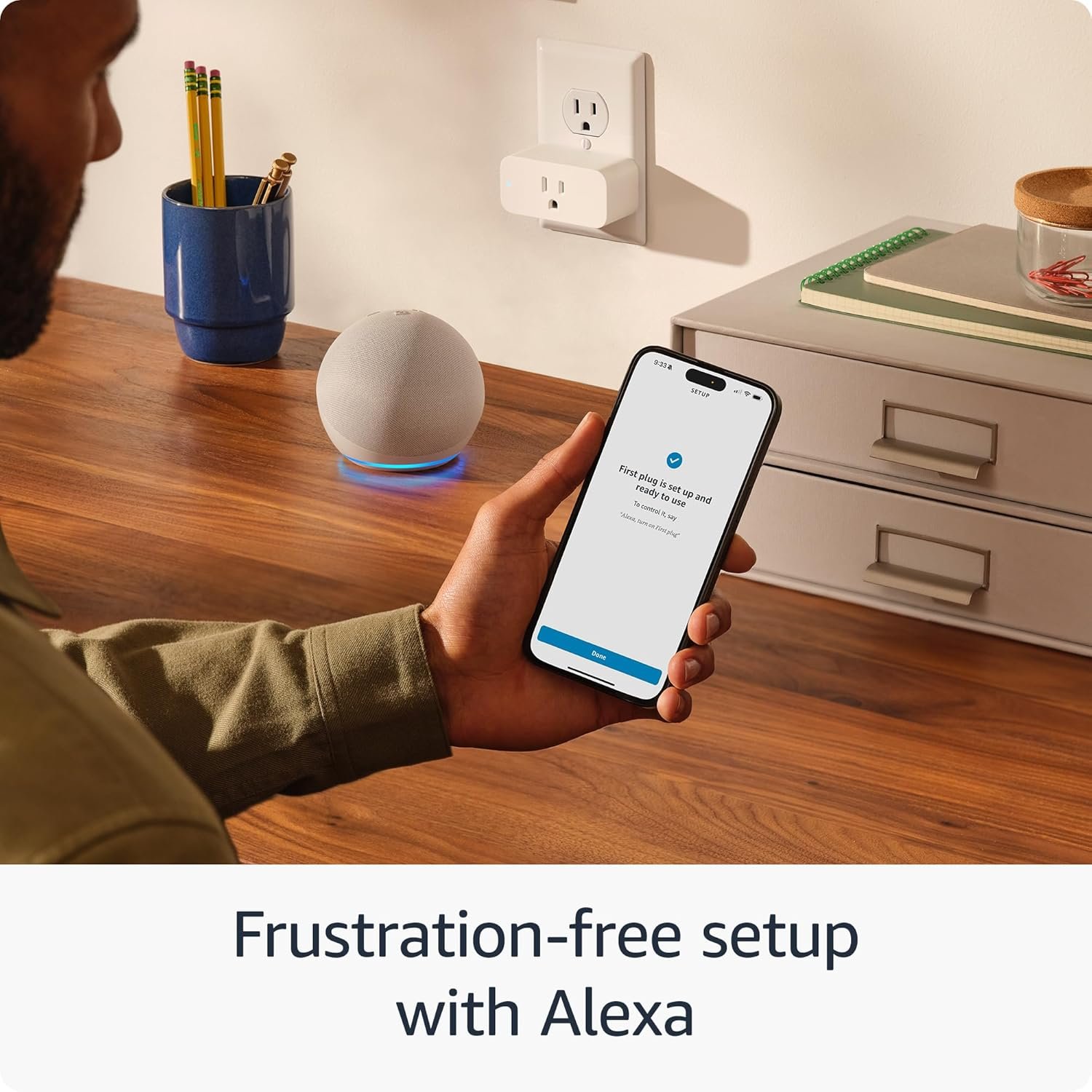
To set up the Amazon Smart Plug, all you need is an Amazon Alexa-enabled device and the Alexa app on your smartphone. The process is simple and straightforward:
- Plug it in: Just find any outlet in your home to connect the smart plug.
- Open the Alexa app: Click on the plus sign in the app to add a new device.
- Follow the instructions: The app will guide you step by step to finish setting up your plug.
It’s as easy as it sounds! In just a few minutes, you can enjoy hands-free control over your devices.
Compatible Devices
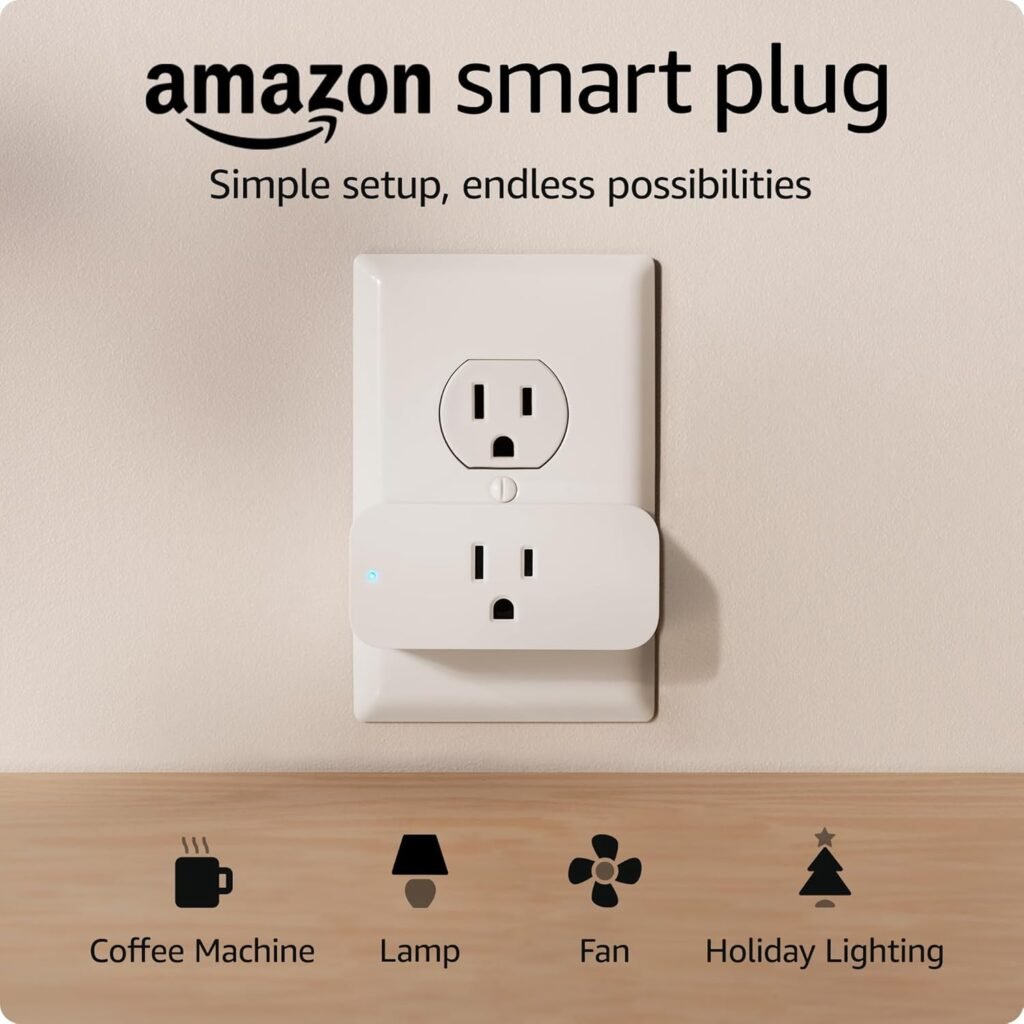
One great aspect of the Amazon Smart Plug is its compatibility with various household devices. It can control everything from lamps to fans to coffee makers, provided these devices have a physical on/off switch. Here’s a quick breakdown of compatible devices:
| Device Type | Examples |
|---|---|
| Lamps | Floor lamps, desk lamps |
| Fans | Ceiling fans, oscillating fans |
| Coffee Makers | Single serve, drip coffee makers |
| Other Devices | Toasters, heaters, etc. |
This versatility makes it a great addition to your smart home setup.
Design and Functionality
Compact and User-Friendly Design
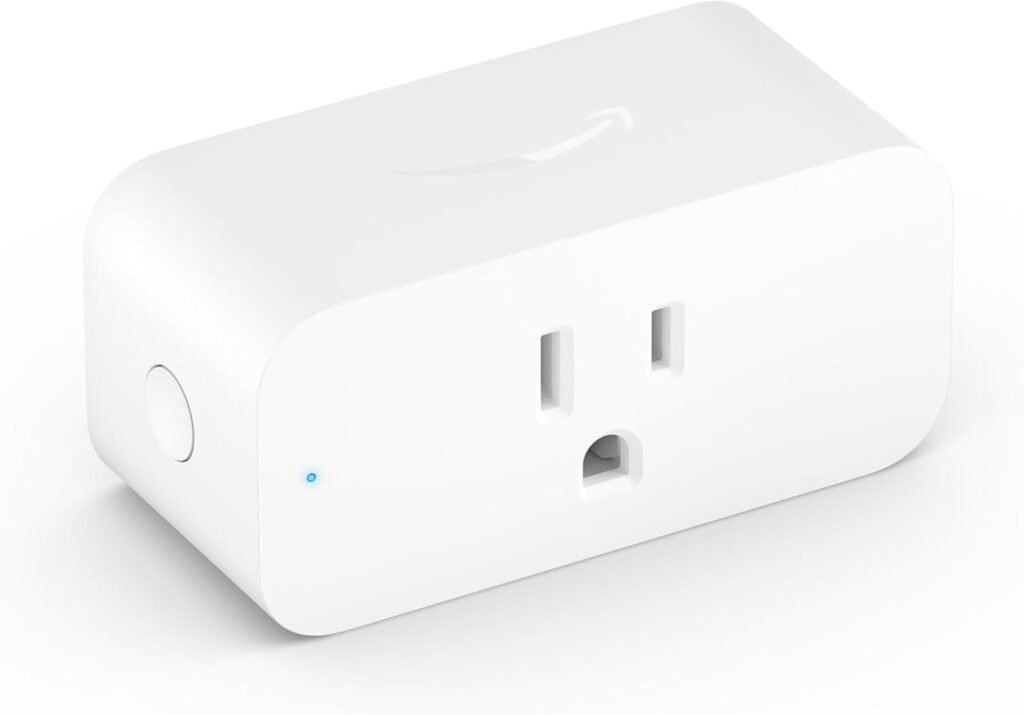
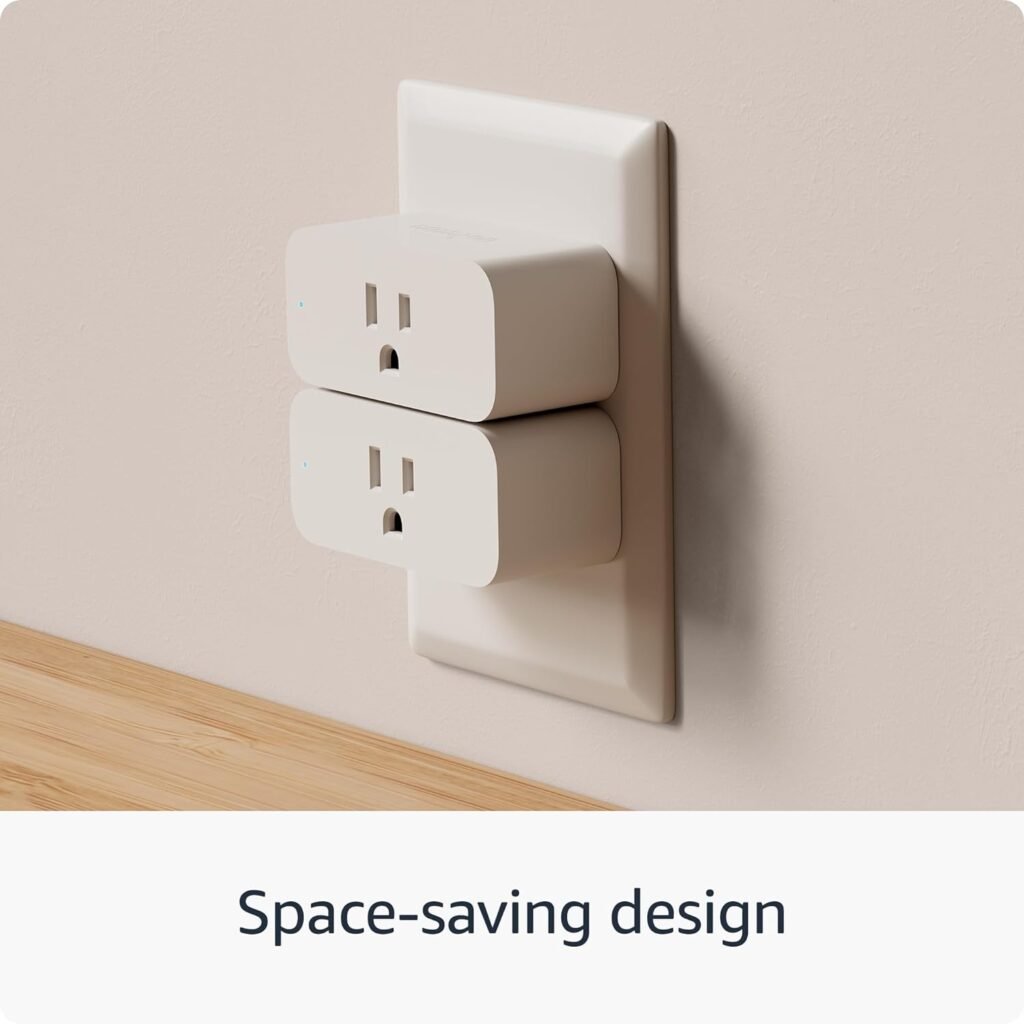
One of the standout features of the Amazon Smart Plug is its compact design. It’s designed in a way that won’t block your other outlet. So, if you have two outlets side by side, you can easily plug the smart plug in without sacrificing use of the second one. It’s practical and thoughtful, which makes it an easy choice for anyone looking to upgrade their home.
No Smart Home Hub Required
You don’t have to worry about getting an additional smart home hub to integrate the Amazon Smart Plug into your home. It connects directly to your Wi-Fi network, making it hassle-free. Just plug it in, connect it with your Amazon account, and it’s ready to access through the Alexa app.

Advanced Features
Voice Control with Alexa
Imagine waking up and saying, “Alexa, turn on my coffee maker.” The Amazon Smart Plug allows you to do just that! With voice commands, you can control everything plugged into the smart plug. This not only adds convenience but also caters to your busy lifestyle. Here are some commands you can try:
- “Alexa, turn on the lamp.”
- “Alexa, turn off the fan.”
- “Alexa, start the coffee maker.”
Routines for Automation
Another fantastic feature of the Amazon Smart Plug is the ability to set up Routines. Routines let you automate everyday tasks, taking your smart home experience to the next level. Here’s how you could leverage Routines:
- Morning Routine: Set a time for your coffee maker to start brewing while your bathroom light turns on to help you wake up.
- Goodnight Routine: With a simple command, you can turn off all lights and devices, making it easy to get relaxed for bed.
Reliable Performance
After power or Wi-Fi outages, the Amazon Smart Plug automatically reconnects to Alexa, ensuring that you won’t have to troubleshoot or manually reset it. This reliability is essential for smart devices, and it’s comforting to know that you can count on it to function correctly.
Practical Applications
Energy Efficiency
One often overlooked benefit of using a smart plug is its capacity to help you save energy. You can program your devices to turn off when not in use or set schedules for them to operate only during certain hours. For instance, if you tend to leave lights on during the day, you can have them turn off automatically, reducing energy waste.
Increased Safety
The Amazon Smart Plug can also contribute to your home’s safety. For example, you can schedule your lamps to turn on automatically when it gets dark outside. This can give the appearance that someone is home, acting as a deterrent to potential intruders.
Enhanced Lifestyle
Incorporating the Amazon Smart Plug into your routine can lead to a more enjoyable and streamlined lifestyle. As you adjust to voice commands and automated tasks, you’ll find that you have more time for hobbies, family, or simply relaxing after a long day.

Installation and Use
Step-by-Step Installation Guide
- Find a Suitable Outlet: Identify where in your home you’ll want to use the smart plug.
- Plug in the Smart Plug: Insert the smart plug into your chosen outlet.
- Launch the Alexa App: Open the app on your smartphone.
- Add Device: Click on the “Devices” tab; then tap the “+” icon to add a new device.
- Choose Device Type: Select “Plug” and follow the prompts.
- Connect to Wi-Fi: Ensure you have your Wi-Fi password ready, as you will need it.
- Label Your Device: For easy voice control, give the device a name that makes sense to you.
- Enjoy Your Smart Plug: Start using voice commands or routines to control it!
Tips for Effective Use
- Group Devices: If you have multiple smart plugs, consider creating groups in the Alexa app for easier control. For instance, group all the lights in the living room together.
- Regular Updates: Check for updates for the app to ensure you’re using the latest features and improvements.
- Experiment: Don’t hesitate to try out different configurations and commands until you find the ones that work best for you.
Comparisons with Other Products
Amazon Smart Plug vs. Competitors
It’s always helpful to compare the Amazon Smart Plug to similar products on the market. Here’s a quick table that rounds up some key features:
| Feature | Amazon Smart Plug | Similar Competitor A | Similar Competitor B |
|---|---|---|---|
| Voice Control | Yes (works with Alexa) | Yes (works with Google Assistant) | Yes (works with both) |
| Compact Design | Yes | No | Yes |
| Requires Hub | No | Yes | No |
| Routines | Yes | Limited | Yes |
| Reconnects Automatically | Yes | No | Yes |
Why Choose Amazon Smart Plug
The Amazon Smart Plug stands out for its user-friendly design, versatility in controlling various devices, and seamless integration with Alexa. While there are other great options out there, the simplicity and reliability of the Amazon Smart Plug make it a top choice for many smart home enthusiasts.

User Experience and Feedback
Positive User Reviews
Users often rave about how the Amazon Smart Plug has changed their daily routines. Many appreciate the ease of setup, saying that they were able to get started in no time. Here are some common praises:
- Convenience: Users love the comfort of controlling their devices with voice commands.
- Efficiency: Lots of people report reduced energy bills thanks to scheduling and automation.
- Integration: Many highlight how well it integrates with other Amazon devices and their existing smart home setups.
Areas for Improvement
No product is without its flaws. A few users have reported occasional connectivity issues, particularly if they have multiple smart devices connected to the same network. Still, these experiences seem to vary by individual setup and Wi-Fi quality.
Conclusion
The Amazon Smart Plug is undoubtedly a valuable addition to your smart home. With its quick setup, voice control capabilities, and the potential for automation, you’ll find countless ways to enhance your daily routine. Beyond just convenience, it offers energy savings and increased safety, making it a multi-faceted product that aligns beautifully with modern living.
So, are you ready to take the leap into a smarter way of interacting with everyday devices? The Amazon Smart Plug might just be what you’ve been looking for to simplify your life and bring a little more ease to your day.
You don’t need to wait any longer—you can begin enjoying the endless possibilities that come with transforming your traditional setup into a smart home environment!

Disclosure: As an Amazon Associate, I earn from qualifying purchases.